
Motion Transfer — Their Movement, Your Character
Pull the performance out of any reference clip and drive your AI character with it. The walk, the gesture, the expression carry over — the face, the outfit, the identity stay yours. No rig, no mocap suit, no keyframing.
One Motion, Read Twice
Left: the reference performance. Right: your character moving with that exact motion. Same movement, your identity — watch a single performance travel from the source onto the character.
One reference in, your character out — the movement transfers, the identity doesn't change.
Real Movement, Held Identity
Reference-driven motion, a character that stays itself, expression and gesture transfer — the things that make a transferred performance actually feel alive.
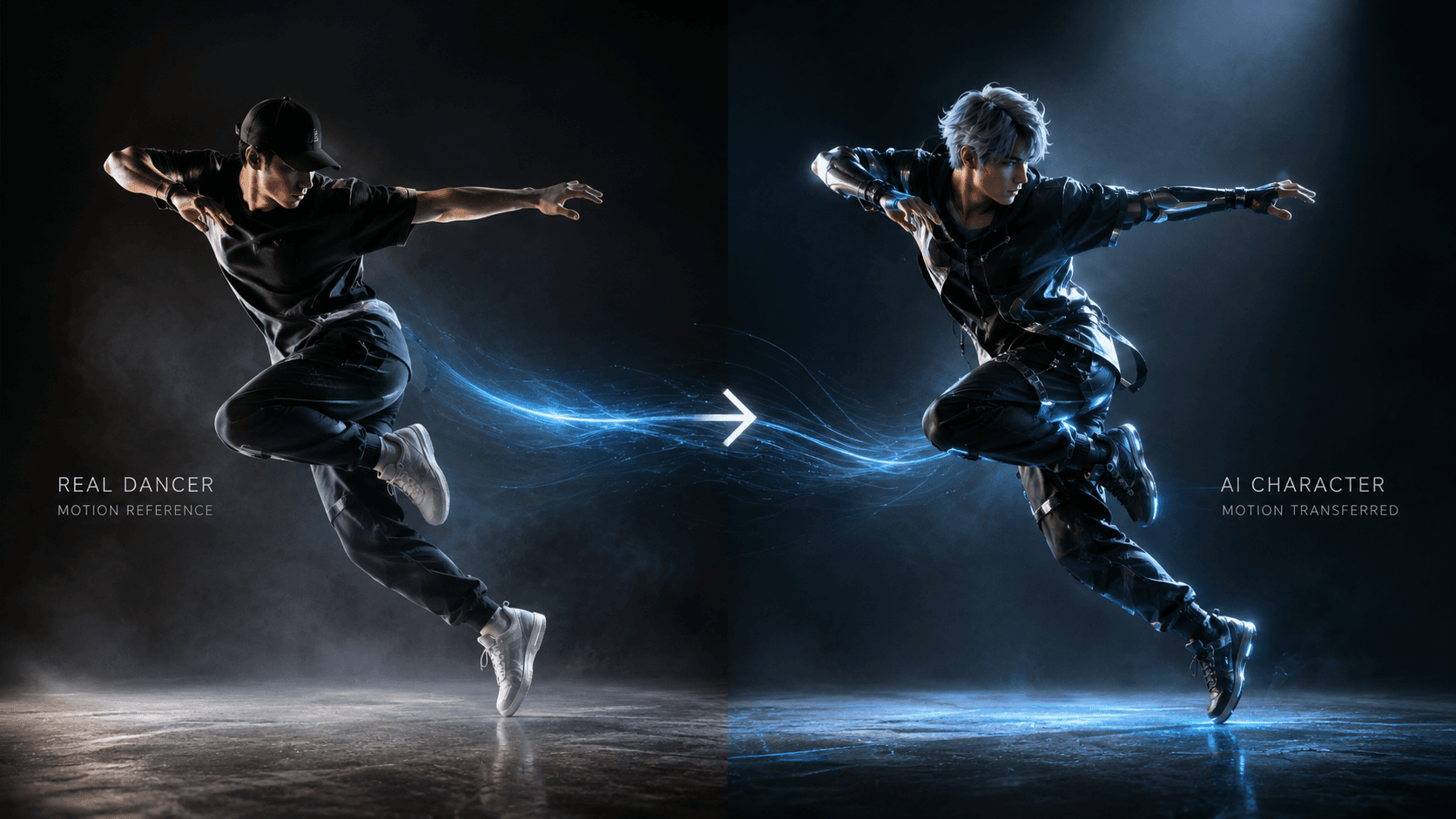
Drive motion from a reference
Movement from a reference clip maps straight onto your character.
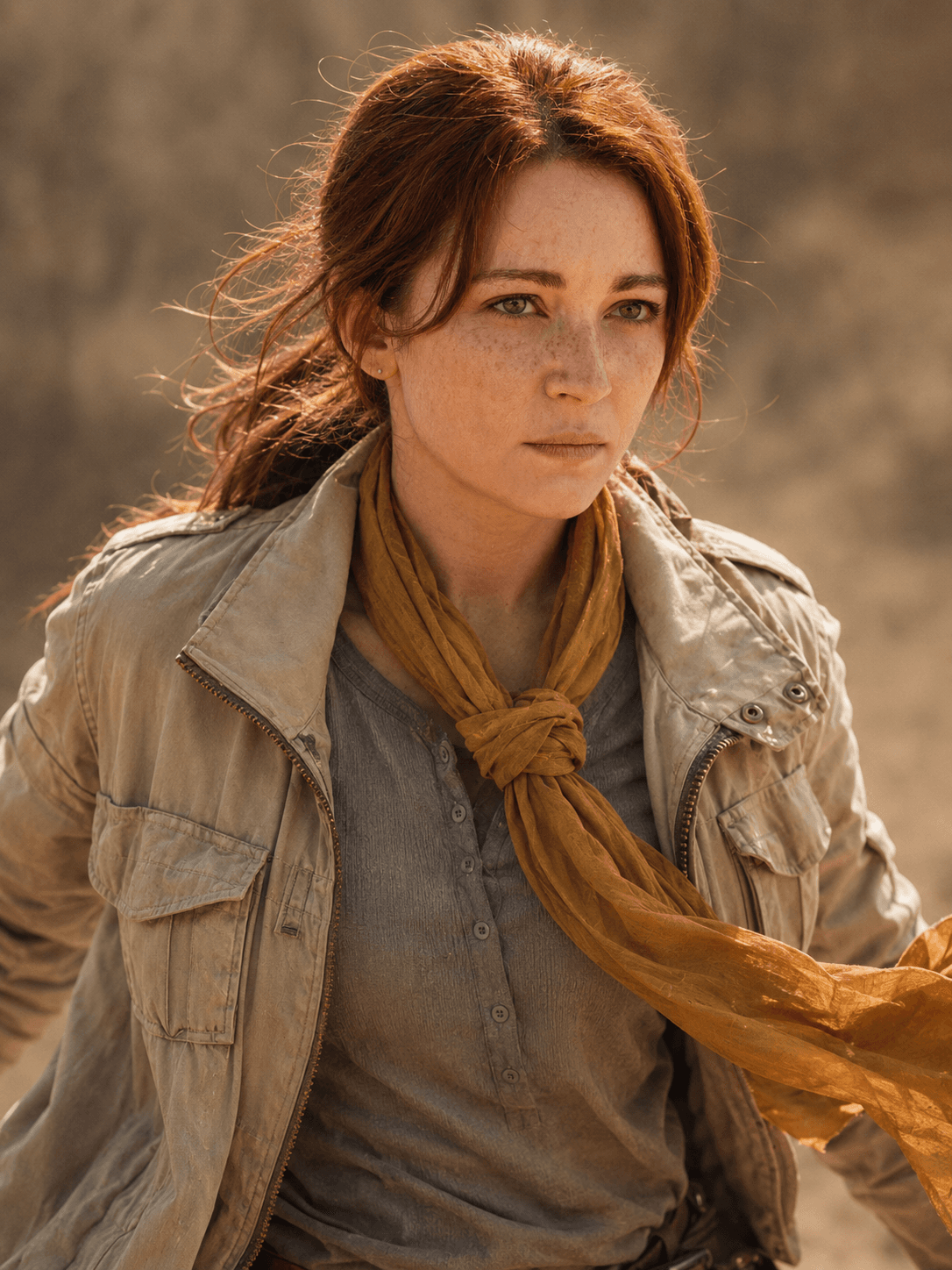
Stays your character
Character-Locked heroes hold their identity through the whole motion.
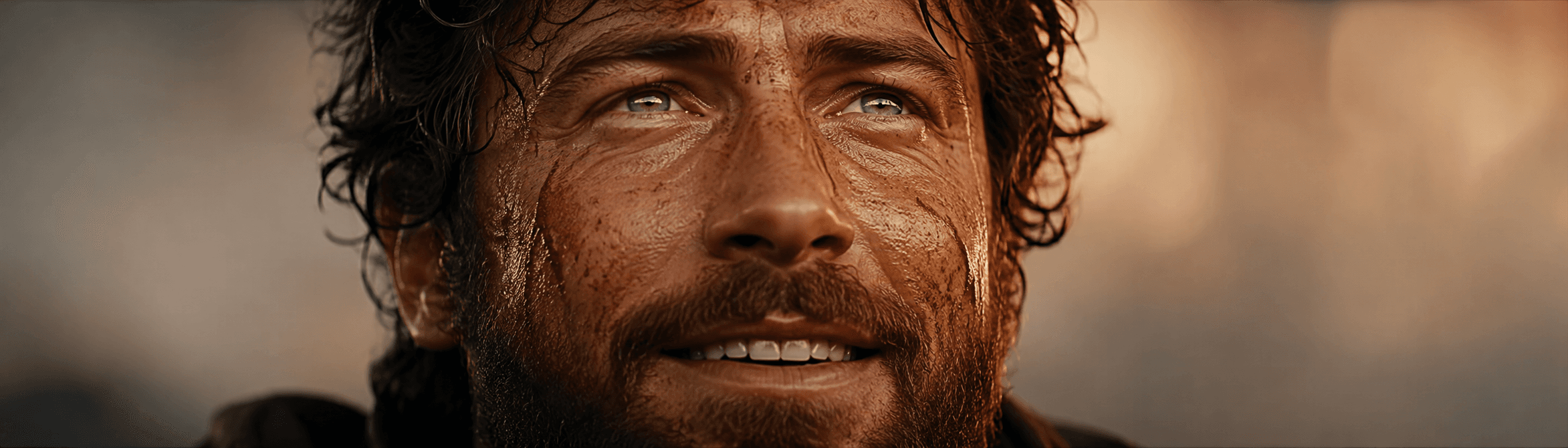
Expressions & gestures
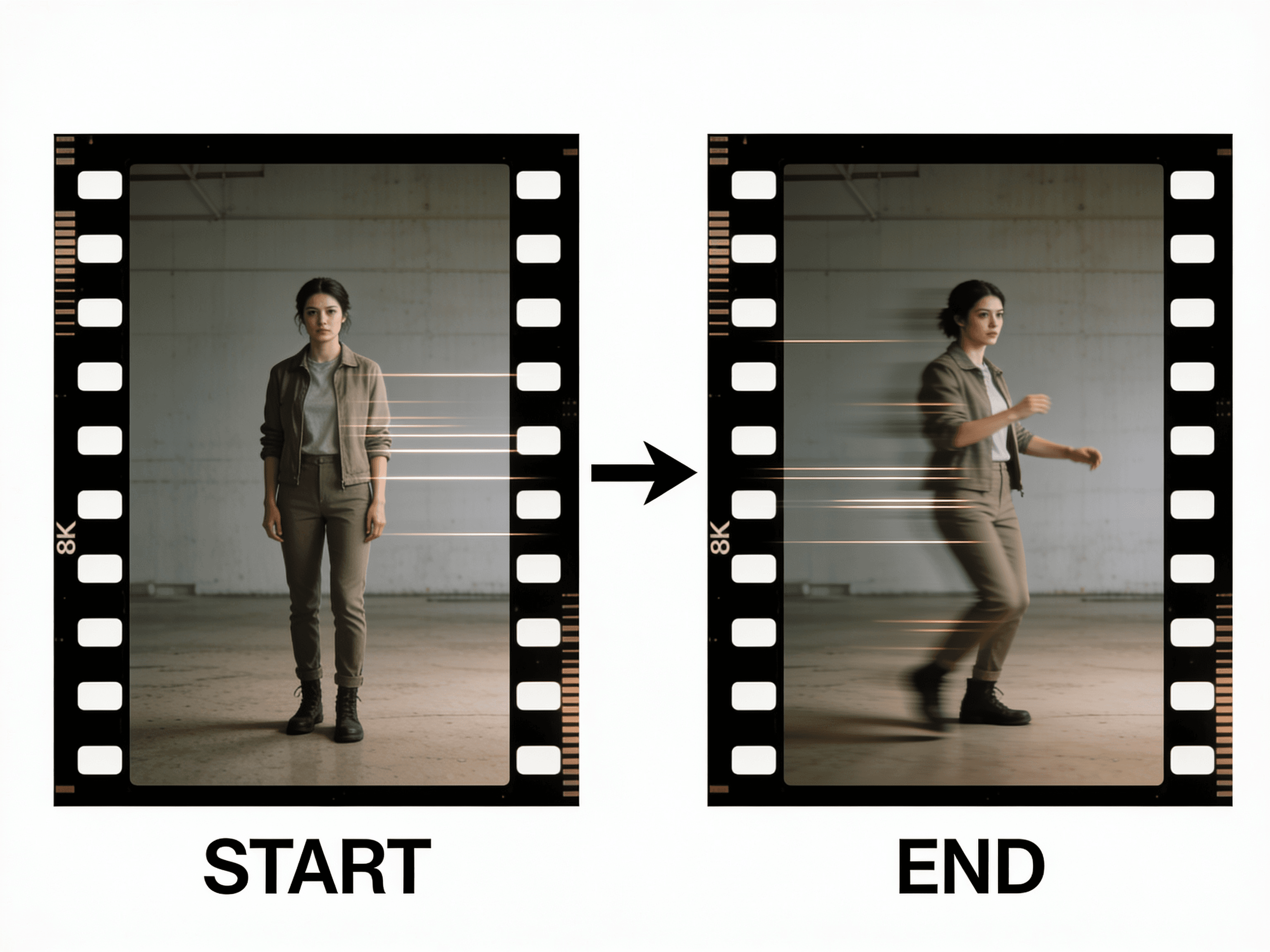
First & last frame control
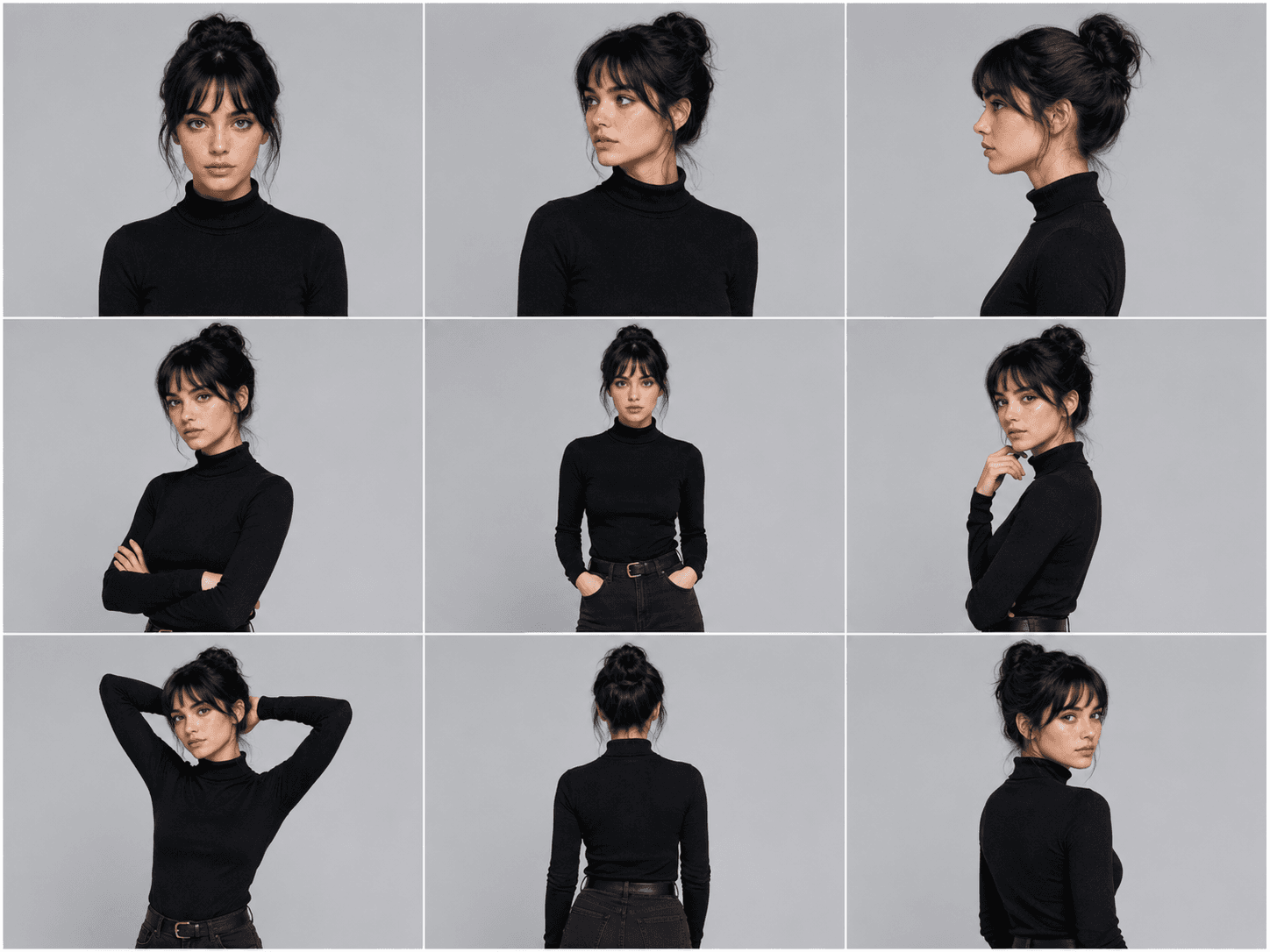
Up to 9 reference images
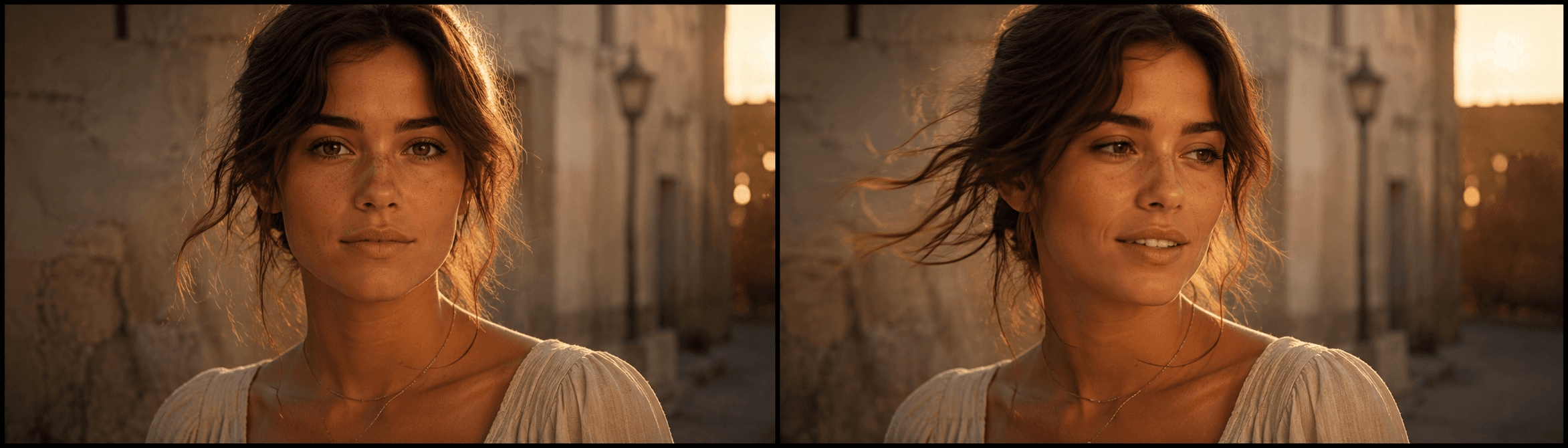
From a single still
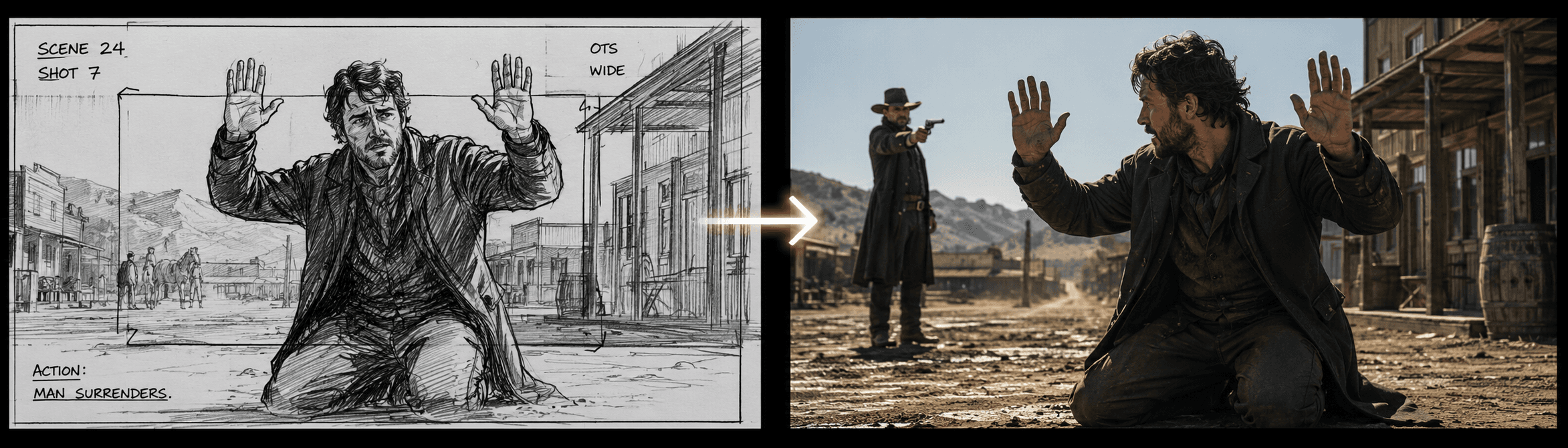
Animate storyboard frames
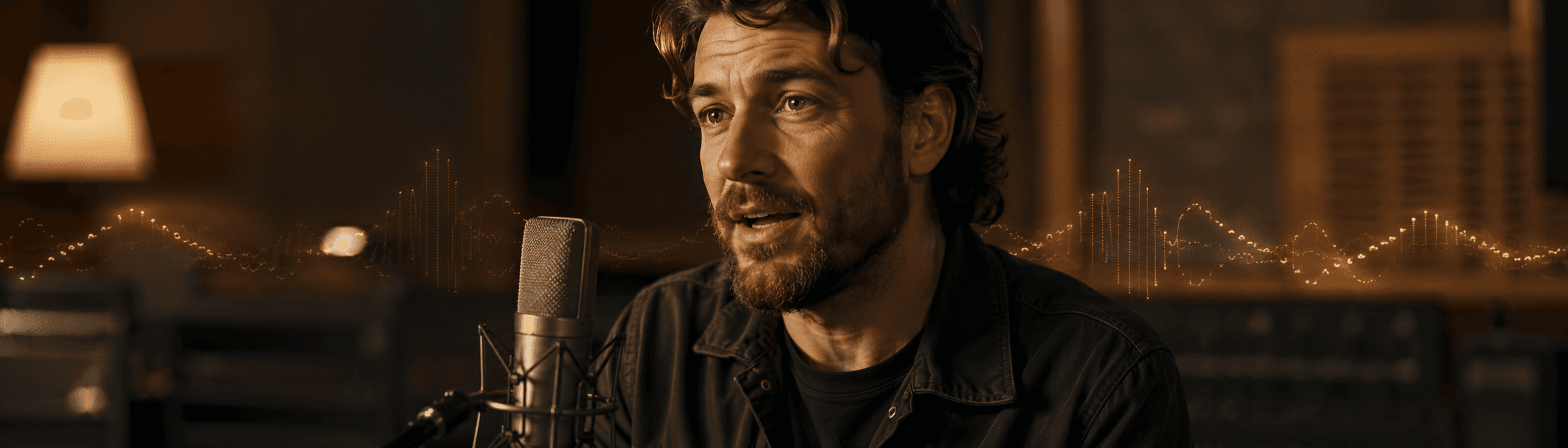
Native audio output
Frozen → Alive
Drag the divider and watch a still frame come to life — the same character, the same frame, now moving. Left is the frozen 'before', right is the living 'after'.
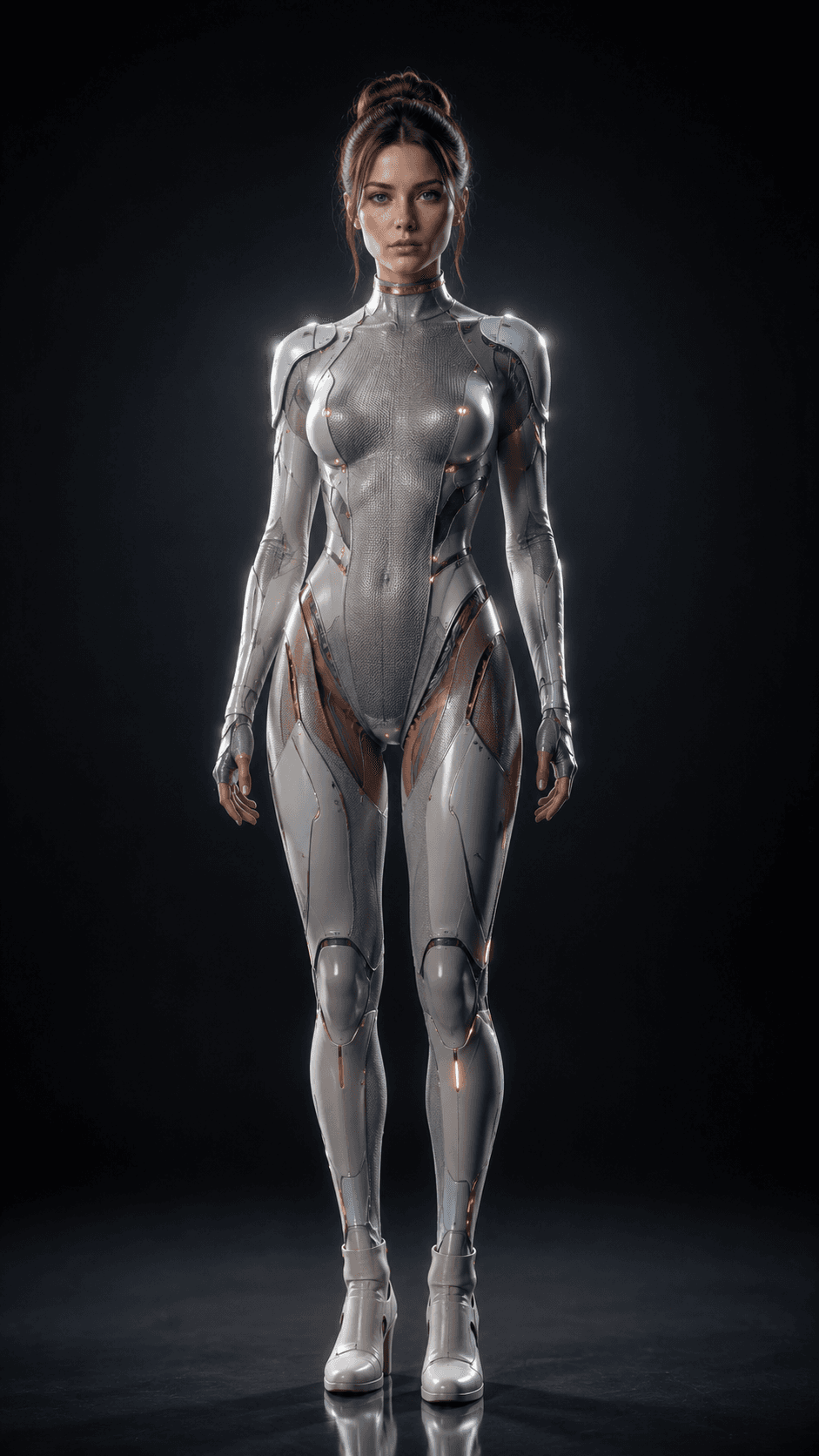
A Character-Locked hero — frozen still, then driven into motion.

A single portrait, brought to life with a real head turn.
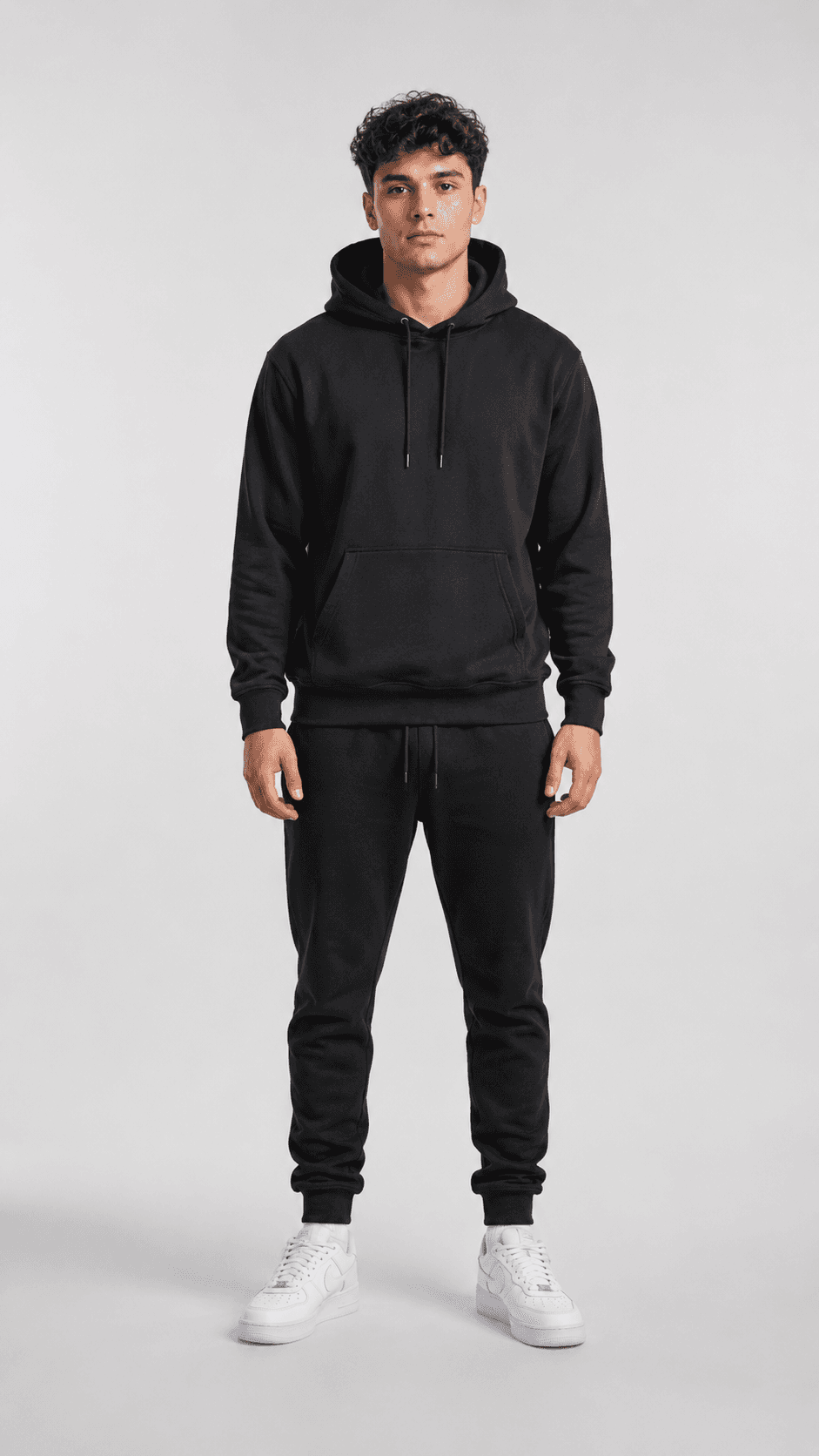
A storyboard frame that stops being a sketch and starts to move.
Every result starts as a still — drag any card to see it move.
Transfer Motion in 3 Steps
Bring a character, add a motion reference, generate. The character inherits the movement while keeping its identity.
Bring Your Character
Use a Character-Locked frame from GOGUL 3.0 (our image model), pull one from a storyboard, or upload your own portrait — any clear, front-facing image works as the identity you want to keep.
Add a Motion Reference
Drop in a clip of the movement you want — a performance, a gesture, a head turn. Even a quick webcam recording works. Seedance 2.0 Reference also takes up to 9 reference images to hold the subject.
Generate & Export
GOGUL maps the reference's motion onto your character and renders the clip. Review, refine the take, and export in HD — or chain clips for a longer sequence.
Motion transfer engine Video Engines
The video models built for reference-to-video and frame control — pick the one that fits the shot, no tab-switching.
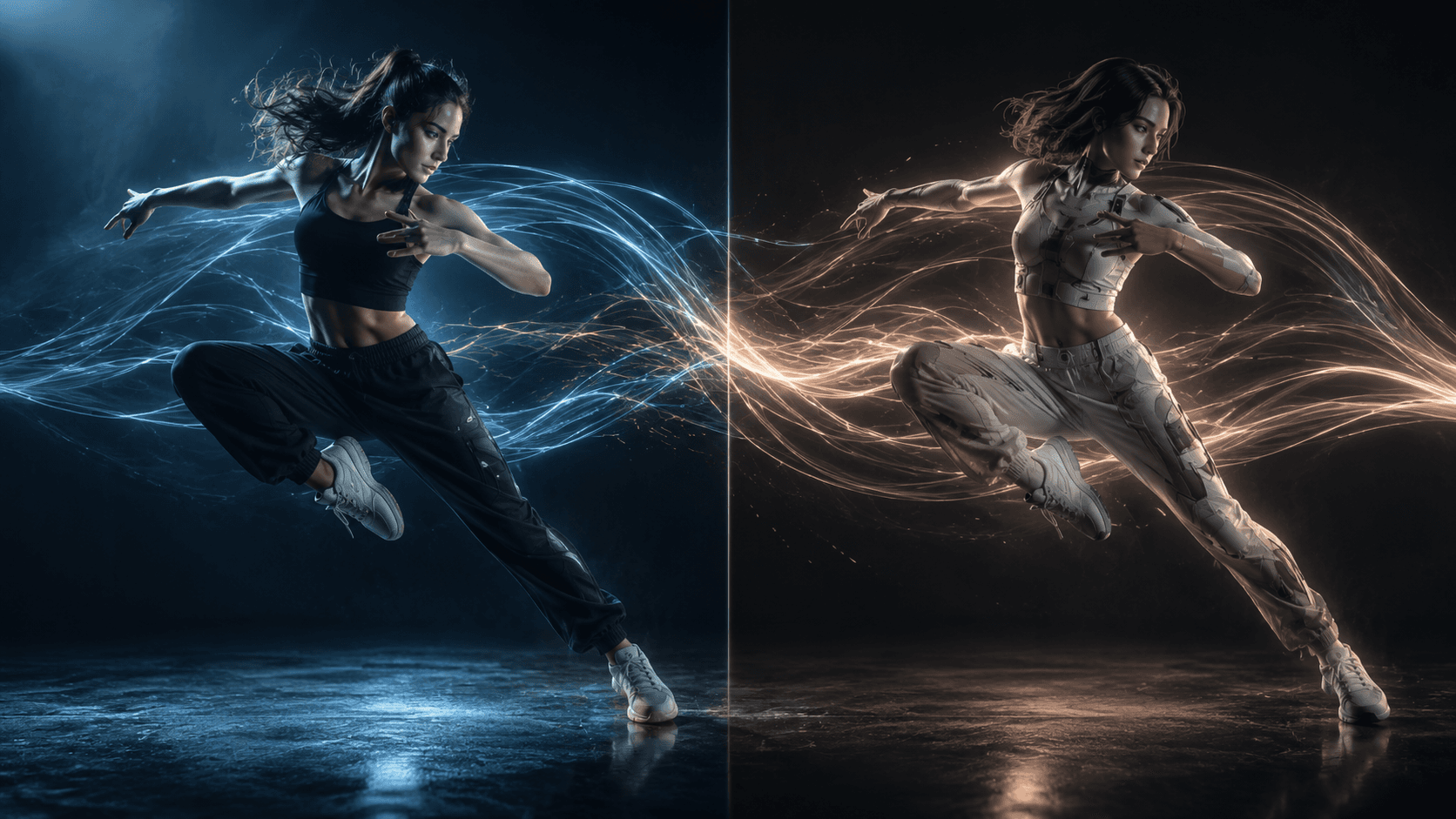
DreamActor M2.0
FlagshipMotion transfer flagship
Transfer real motion from a reference clip onto your character — face, outfit and identity stay yours. High-fidelity character animation by BytePlus. 3–30s input, 720p output.
Plus the rest of the reference & frame-control engines:
Built to Move Your Character
Reference-driven motion with the controls real animation work needs — and your character's identity held the whole way.
Reference-to-Video
Drive an AI character with the movement from a reference clip — the subject inherits the motion, pacing, and gestures. Seedance 2.0 Reference takes up to 9 reference images to keep the subject consistent in motion.
Identity Held
Pair it with Character Lock so the animated character looks exactly like your storyboard hero — the motion changes, the person doesn't.
First & Last Frame
Pin a starting and ending frame and let the model interpolate the motion between them — precise control over how a shot begins and lands.
Animate a Single Still
Bring a portrait or a storyboard frame to life from one image — no rig, no mocap, no keyframing, just a reference and a click.
Motion Transfer for Every Creator
Anywhere a character needs to move like a real performer — GOGUL drives it from a reference, identity intact.
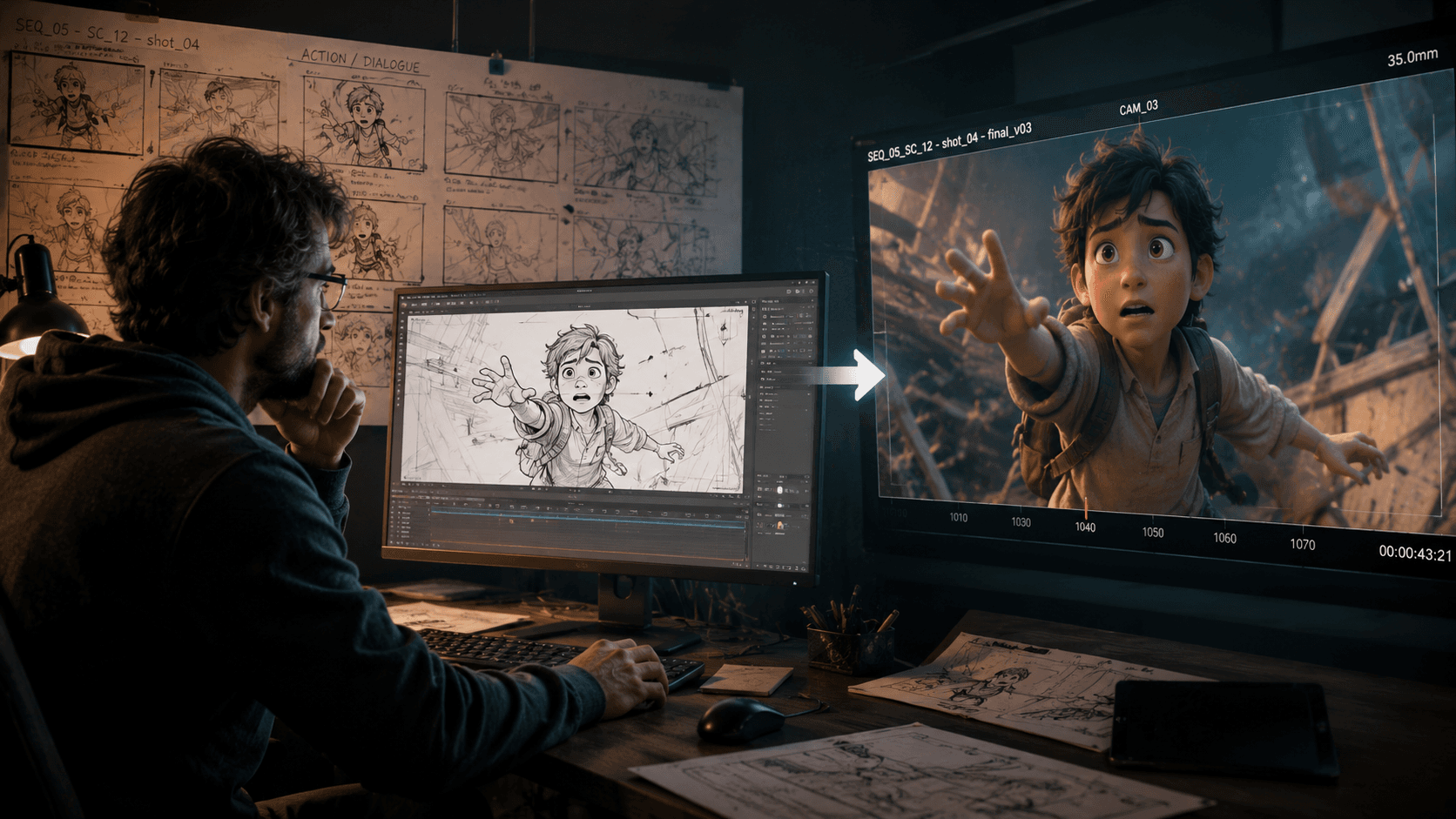
Animation & Previz
Animate characters and storyboard frames from a reference performance to block scenes — your previz moves like the final shot will, long before a full production.
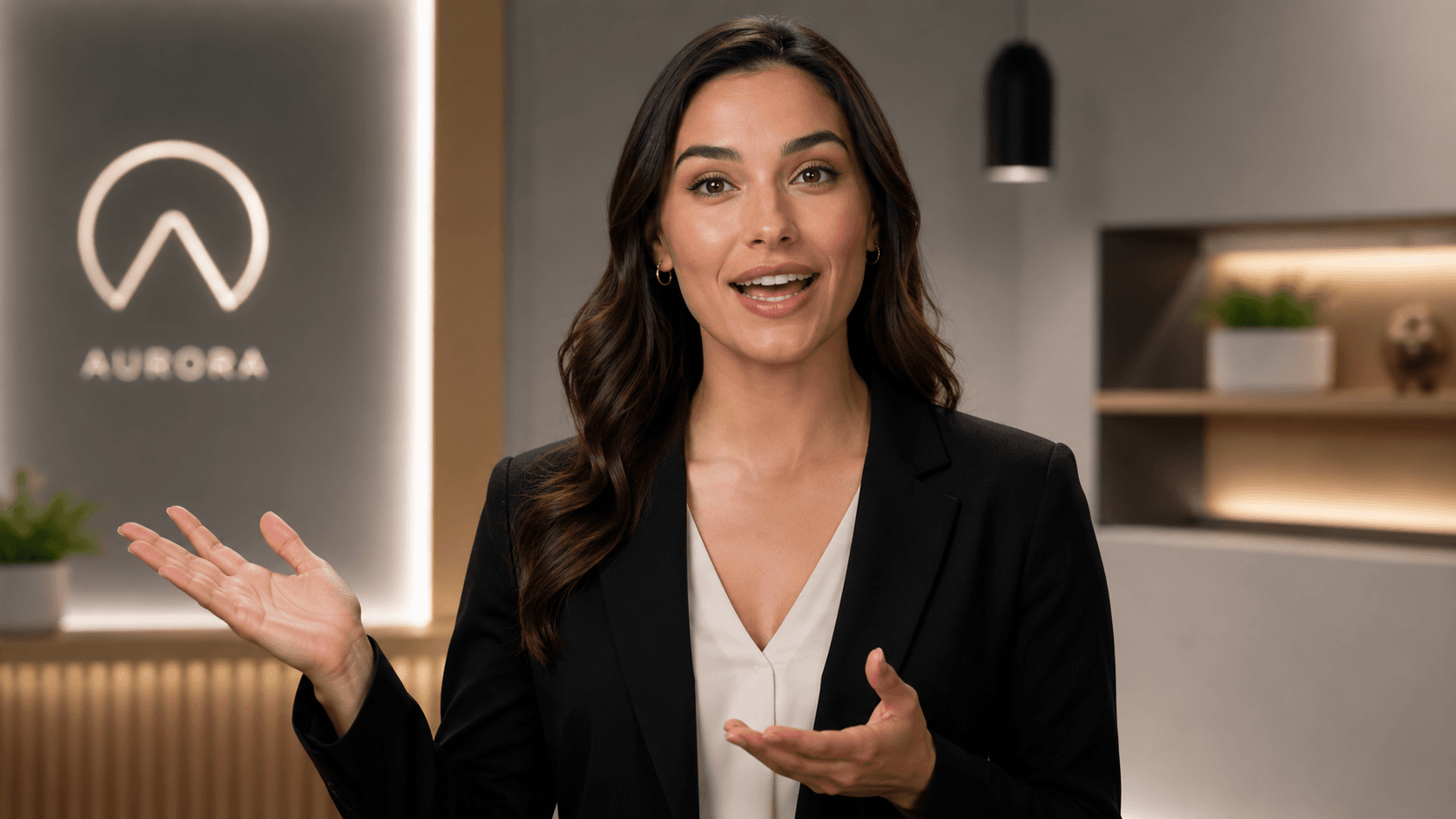
Avatars & Spokespeople
Give a brand character or avatar natural movement and expression, driven by a real clip — and keep it on model across every video.
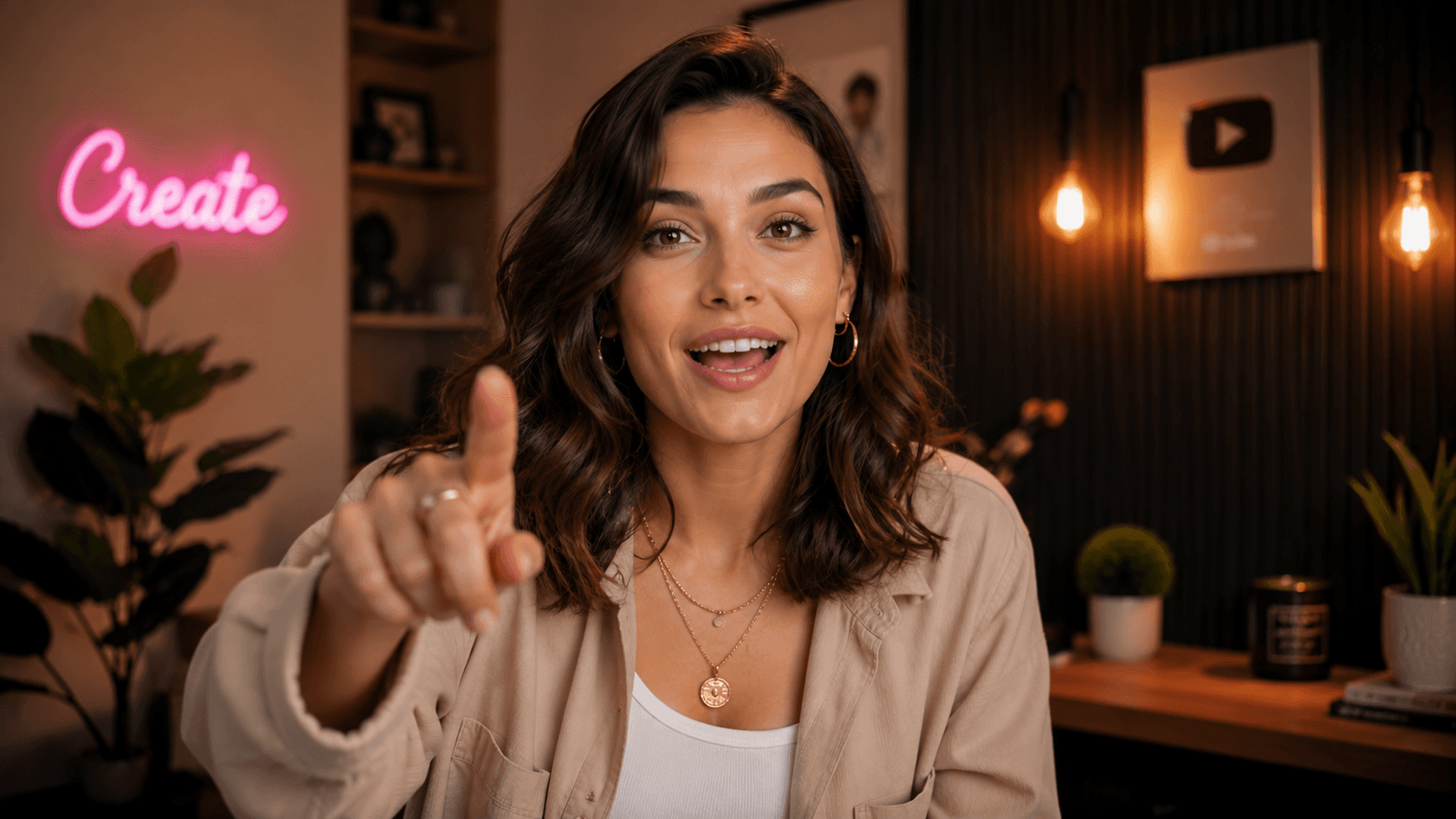
Content Creators
Bring a single portrait or illustration to life for a scroll-stopping clip — no rigging, no mocap, just a reference.
Questions, Answered
Motion transfer takes the movement out of a reference video and applies it to a still image or an AI character. The character inherits the motion, gestures, and expressions from the reference while keeping its own appearance — its face, outfit, and identity stay the same.
The Whole Creative Studio
Motion is one piece. Explore the rest of the GOGUL toolset — every tool feeds the next.
Give Your Character Real Motion Now
Drive an AI character with a real performance — their movement, your character, in one studio.
Free tier includes 100 credits. No credit card required.