
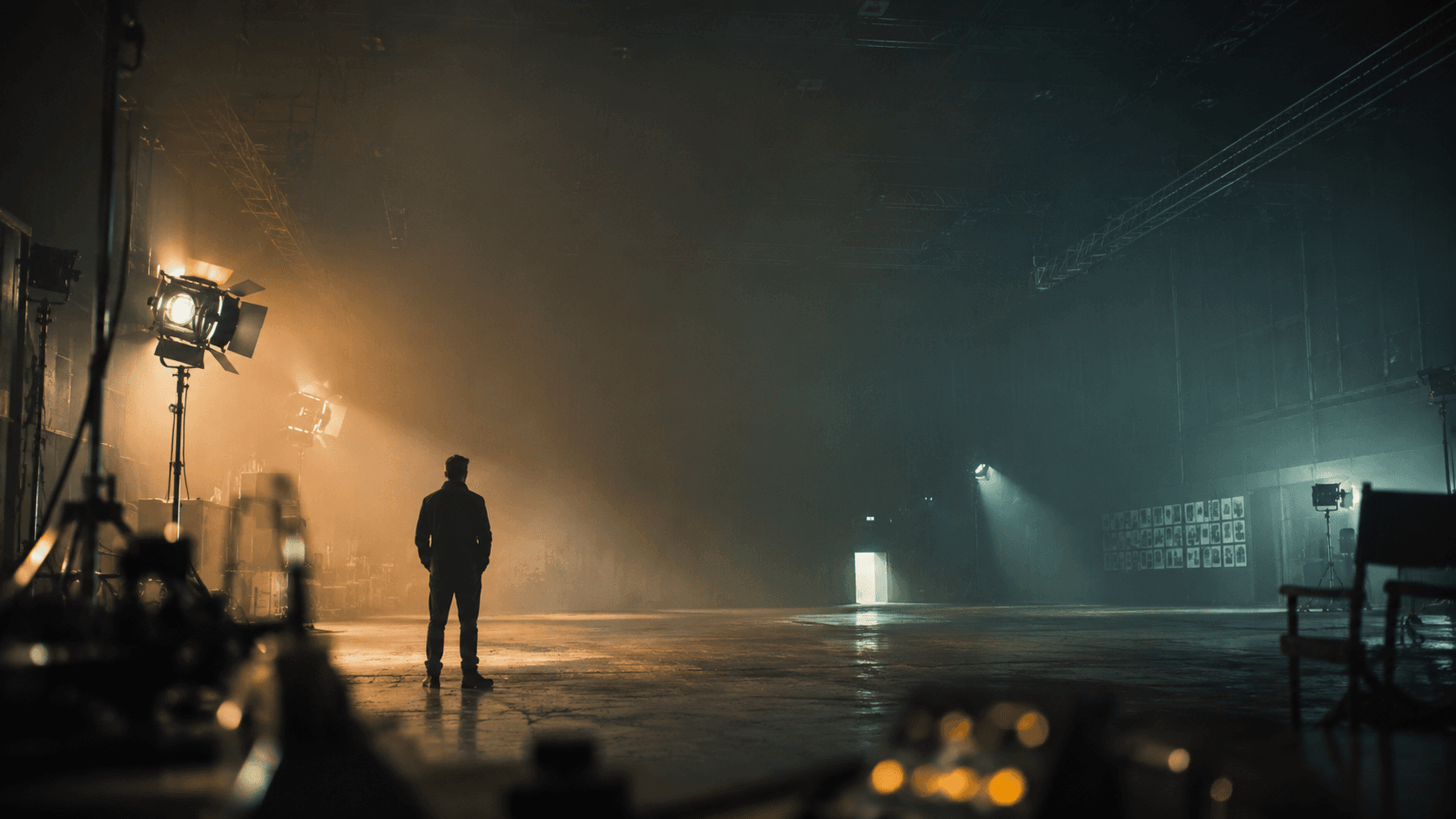
AI Storyboard Generator — Direct Every Frame
Not an image generator — a board where you control the shot: angle, movement, lens, light, cast. Up to 20 frames, character locked.
Every Knob a Director Touches
Every shot is a decision, not a dice roll — set the angle, the move, the glass, the light, and the look on each frame.
Look up to make a subject loom, down to shrink them — the angle decides who holds the power in the frame.
Push in to tighten the tension, pull back to reveal — the move tells the eye where the scene is heading.
Wide for scope and distortion, long for a compressed, intimate close-up — the glass changes the whole feel.
Backlight for silhouette, soft key for warmth, hard shadow for dread — light is the mood of the shot.
Render the same blocking as cinematic, noir, anime, or ink — the look is a setting, not a redraw.
Change all of the above and the cast still holds — same face, same outfit, frame to frame.
 Low Angle · 85mm
 Dutch · 18mm
 Push In · Soft Key
 OTS · 50mm
The Board Runs on Character Lock
Direction only matters if the cast survives it. GOGUL 3.0 holds every character across every frame while you change angle, lens, and light — and the best third-party engines sit behind the same board for every other look.
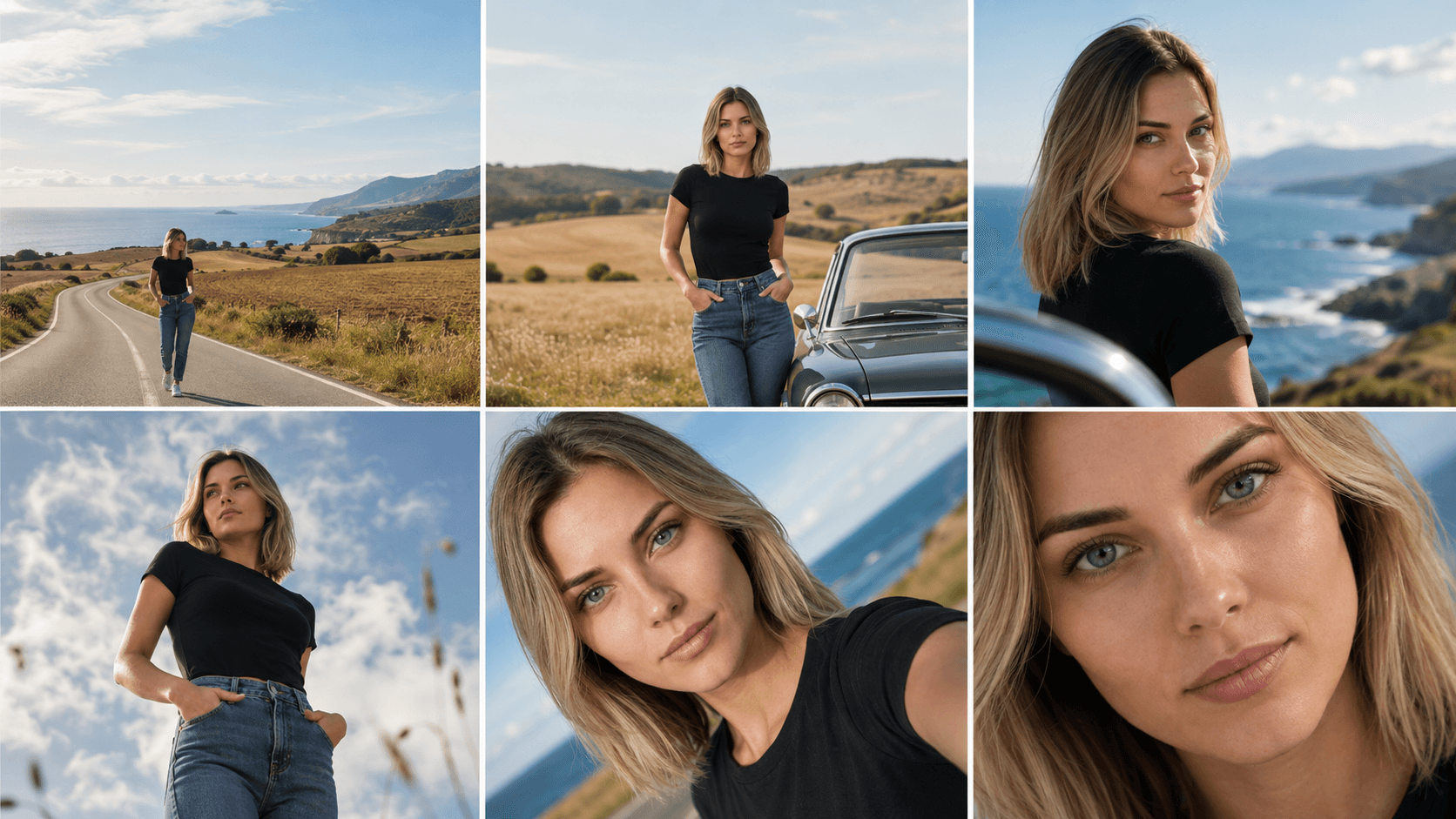
GOGUL 3.0
FlagshipCharacter Lock Edition
Our flagship image model on the Nano Banana 2.1 lineage. Re-block a shot, swap the lens, push the light — the face, the outfit, the identity hold frame to frame. That consistency is what turns six separate renders into one board.
Every other look, same board — the best third-party engines built in:
Any Genre, One Board
Same blocking, same cast — point it at any world. The board doesn't get rebuilt for a new genre, it gets re-dressed.
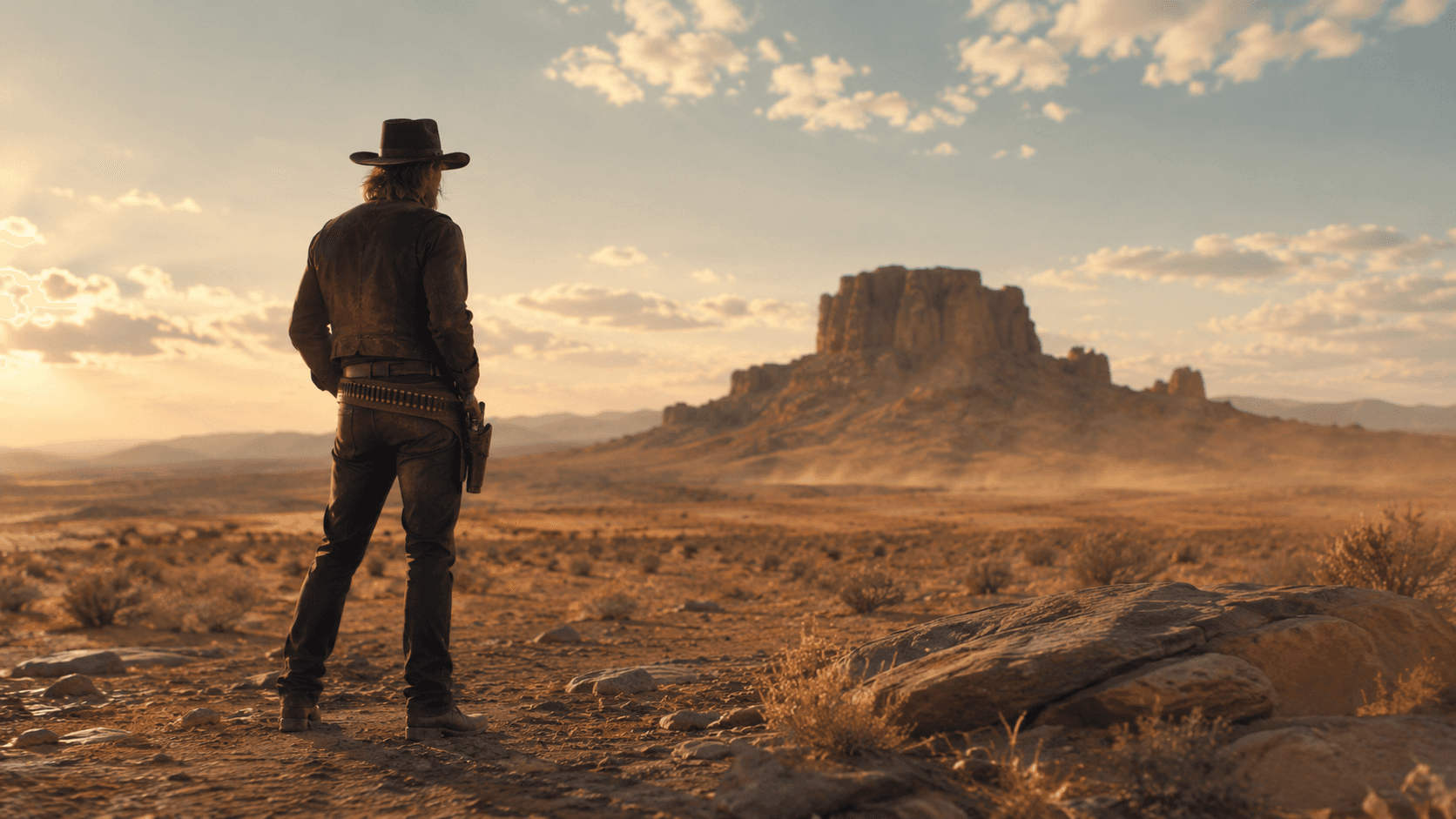
Western
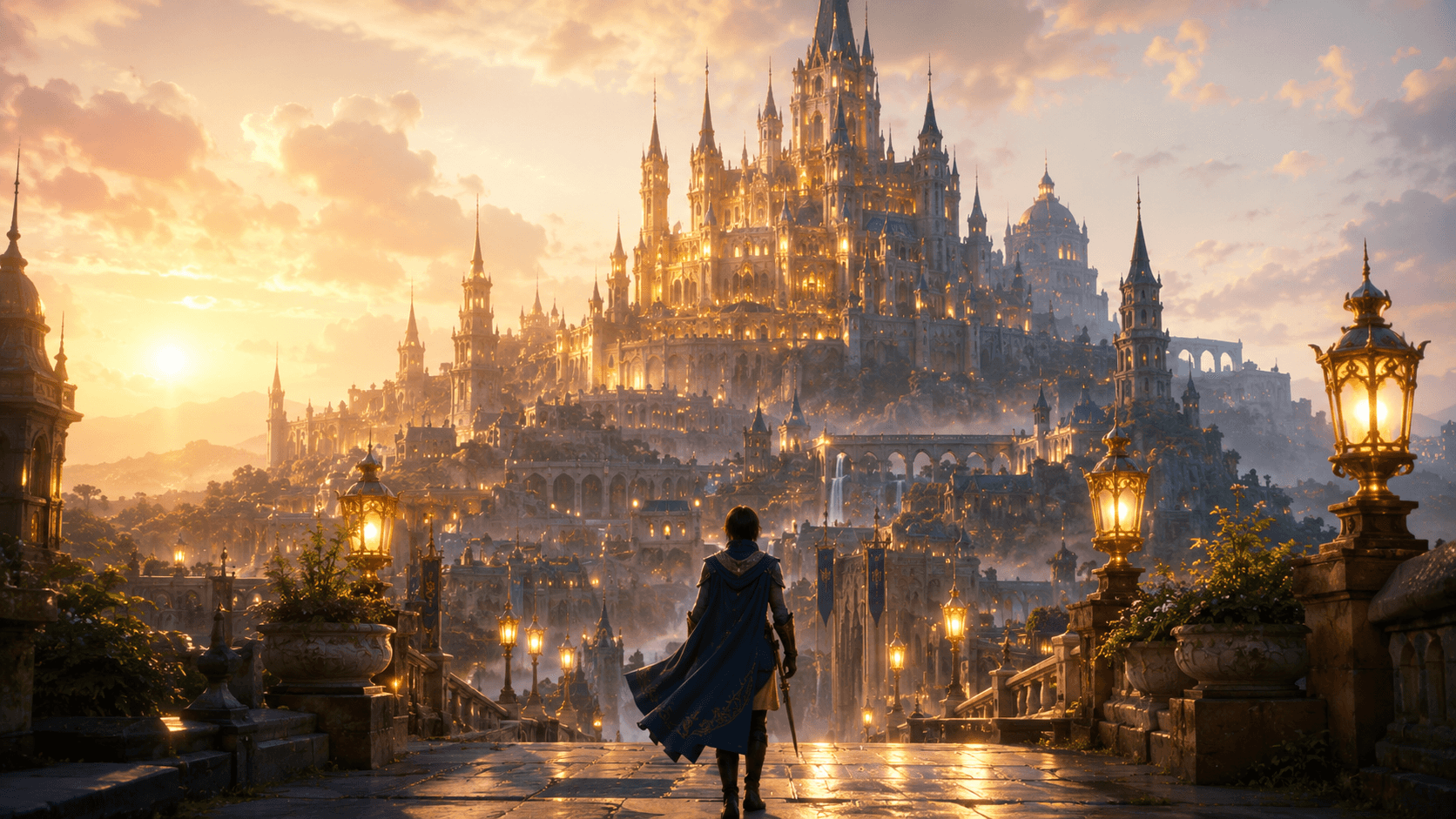
Fantasy
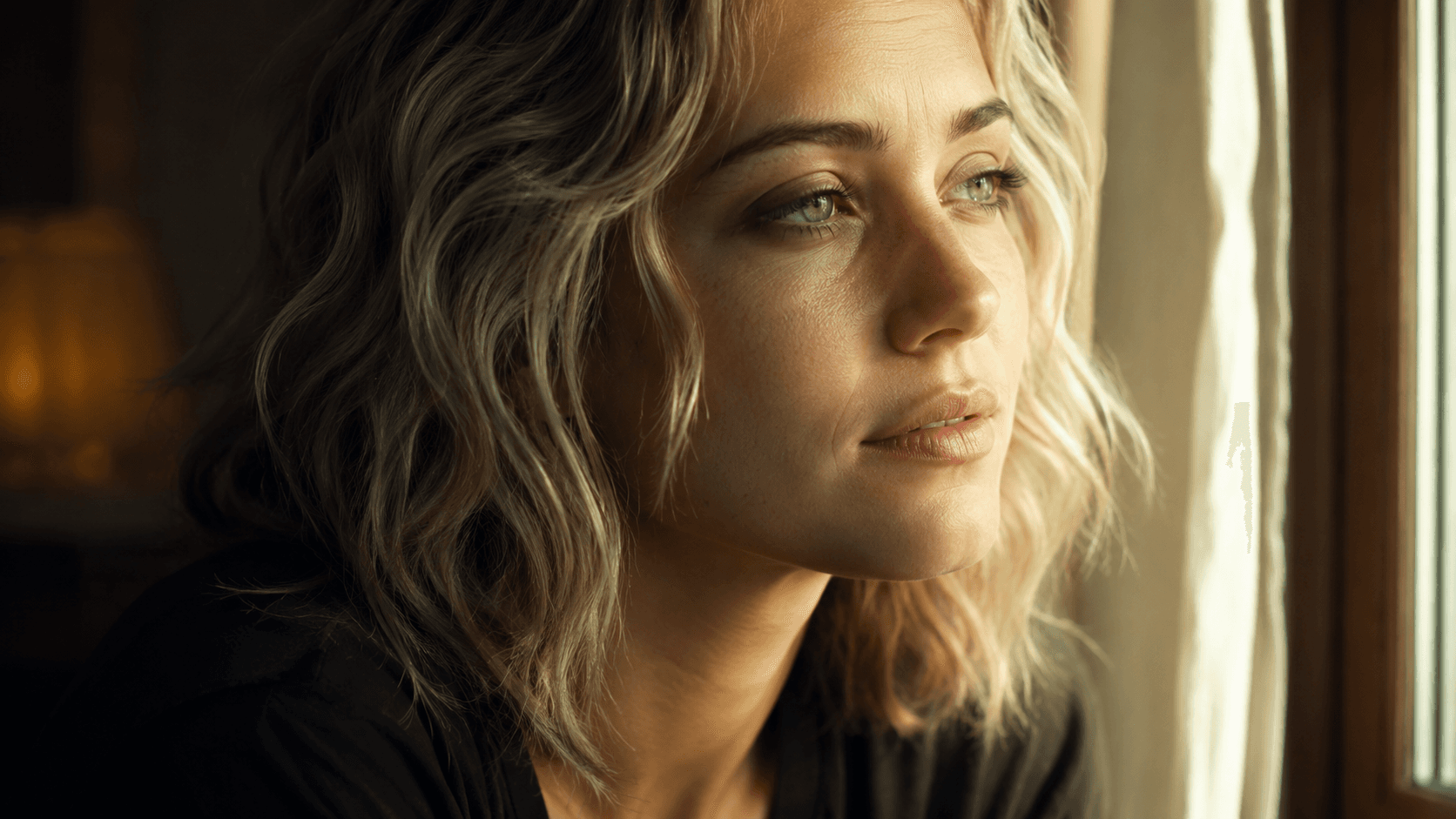
Drama
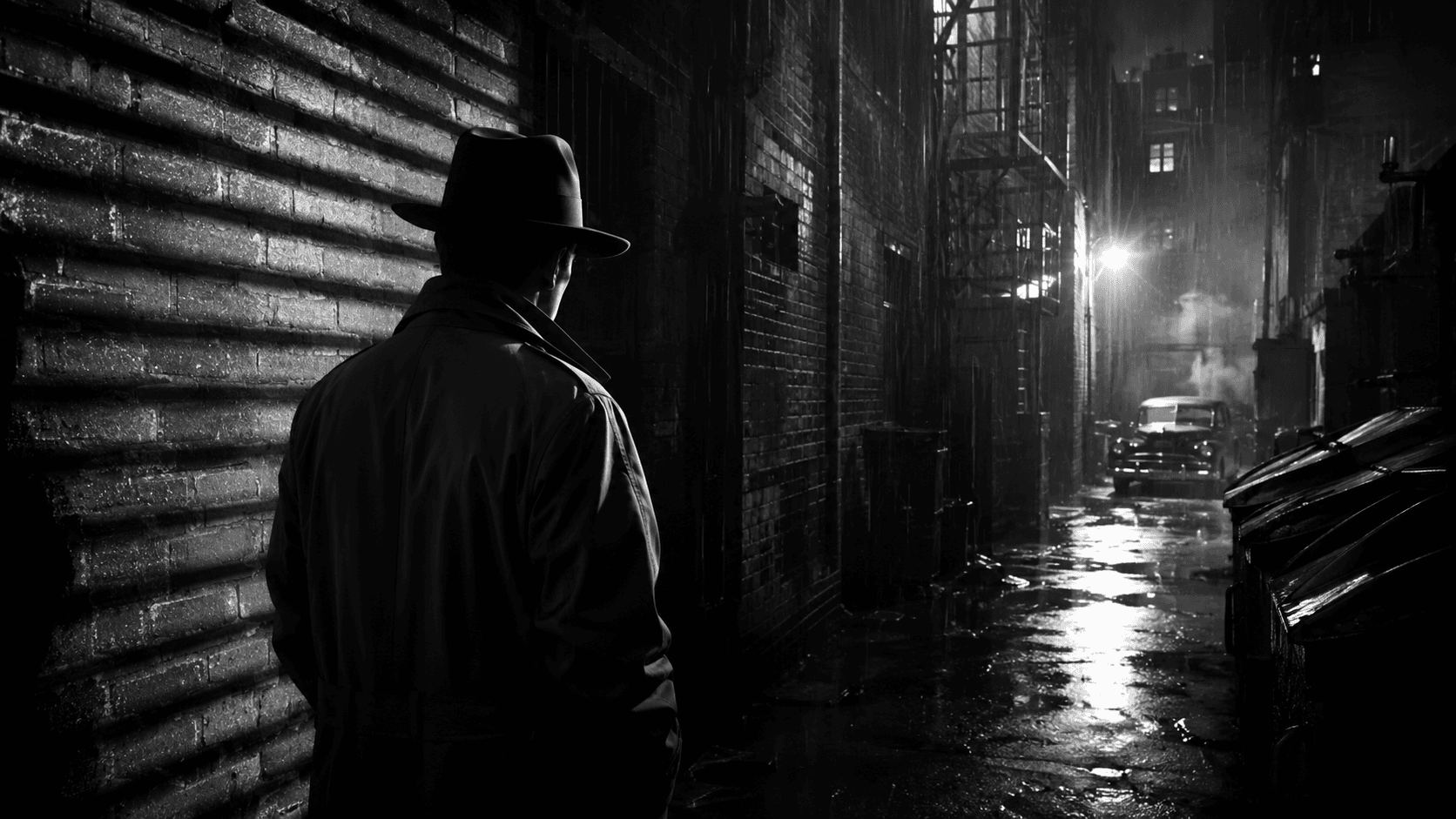
Noir
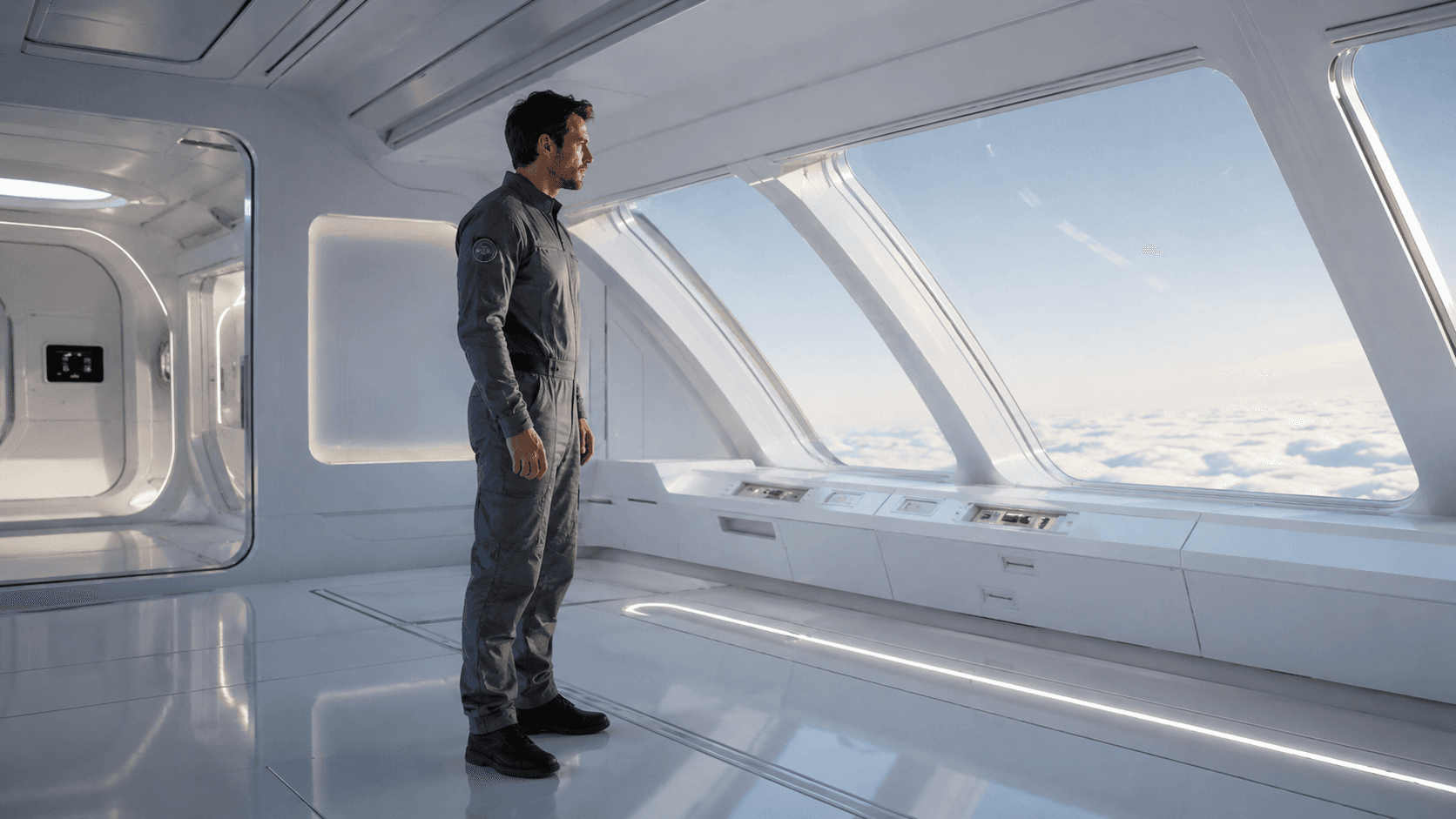
Sci-Fi
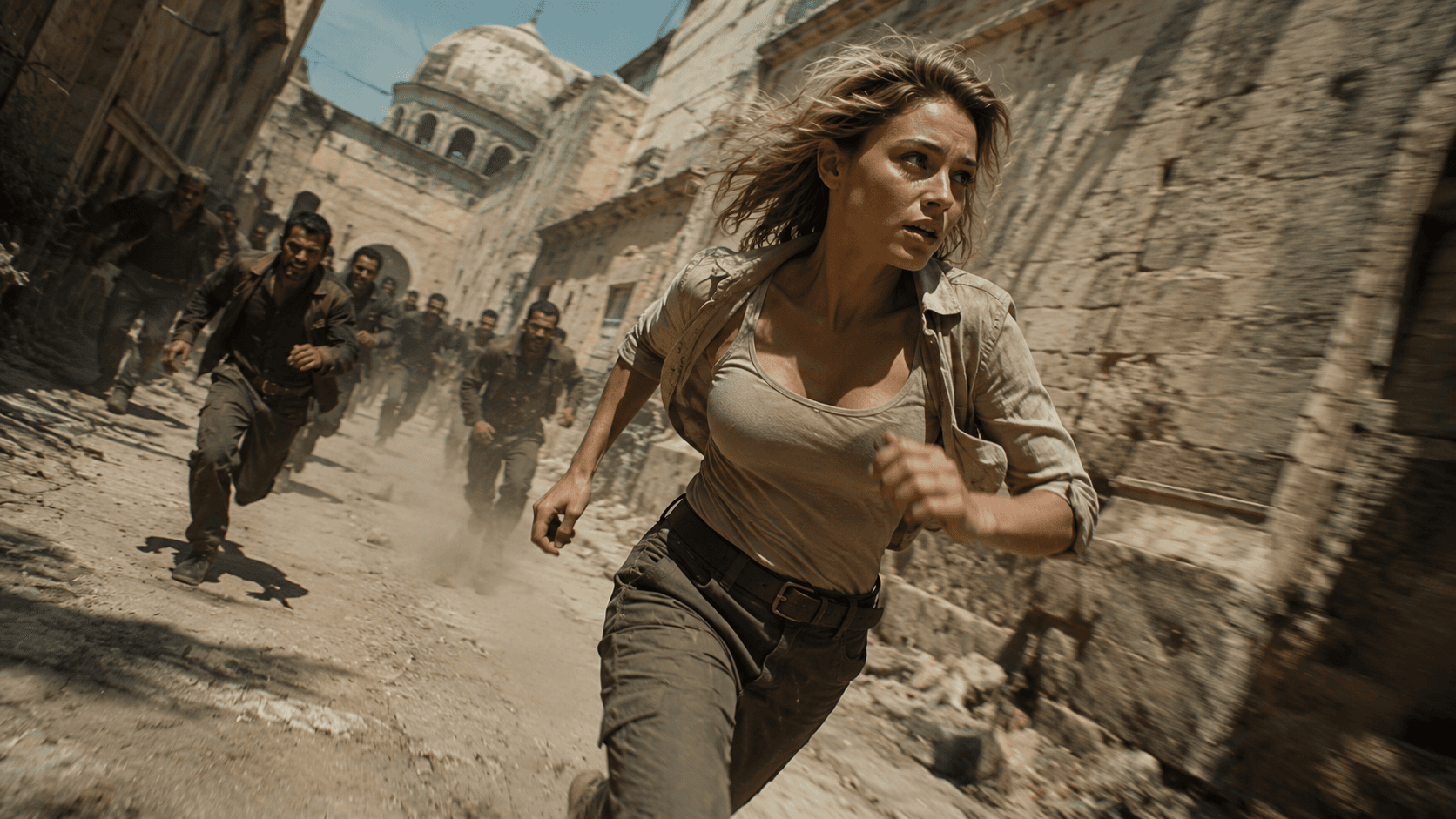
Action
Board to Sequence
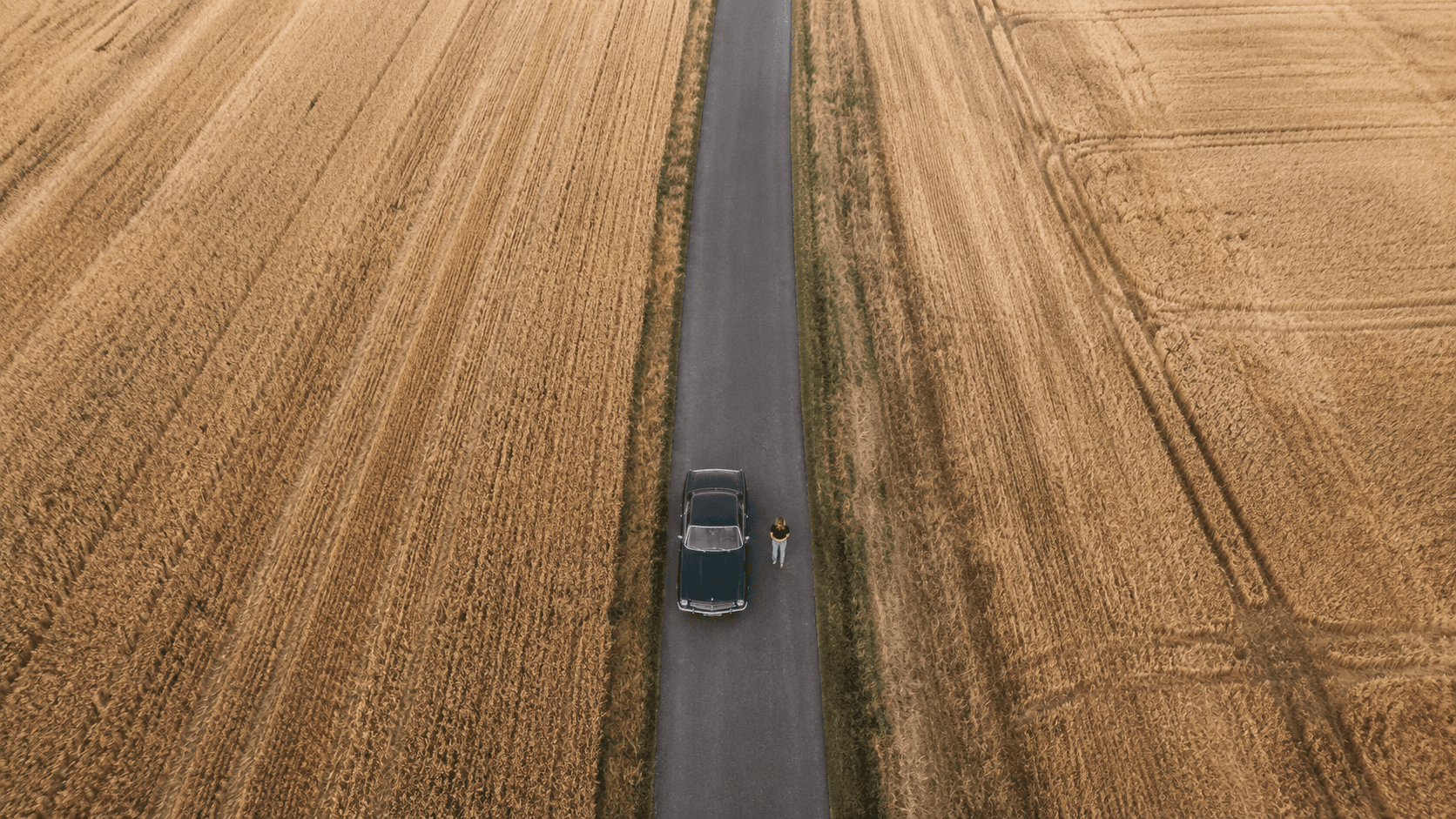
Four frames, numbered by scene, reading 1 → 2 → 3 → 4 — a board you can follow top to bottom, not a wall of stills.
 01
01Scene 1 · Establishing
 02
02Scene 2 · The Road
 03
03Scene 3 · The Coast
 04
04Scene 4 · The Arrival
Everything a Board Lets You Direct
Built for direction — every frame is a set of decisions you control, with the cast held steady underneath.
Per-Frame Camera
Angle, movement, and lens are a choice on every frame — wide, low, dutch, push-in — not a lucky roll of the dice.
Character Lock
The same cast holds across the whole board while you change everything else around them, shot to shot.
Relight & Restyle
Swap the lighting or visual style of a single frame — cinematic, noir, anime, ink — without touching the blocking.
Re-Block, Don't Redo
Change one decision and regenerate just that frame. The rest of the board stays exactly as you left it.
Up to 20 Frames
Build a full sequence on one board, numbered by scene, ready to read top to bottom and re-direct in place.
Frame to Motion
Hand any frame to the video engines — the board becomes the spine of the finished cut, cast intact.
A Board for Every Production
From a director's prep to a shoot day — the board turns a scene into a plan everyone can read and re-direct.
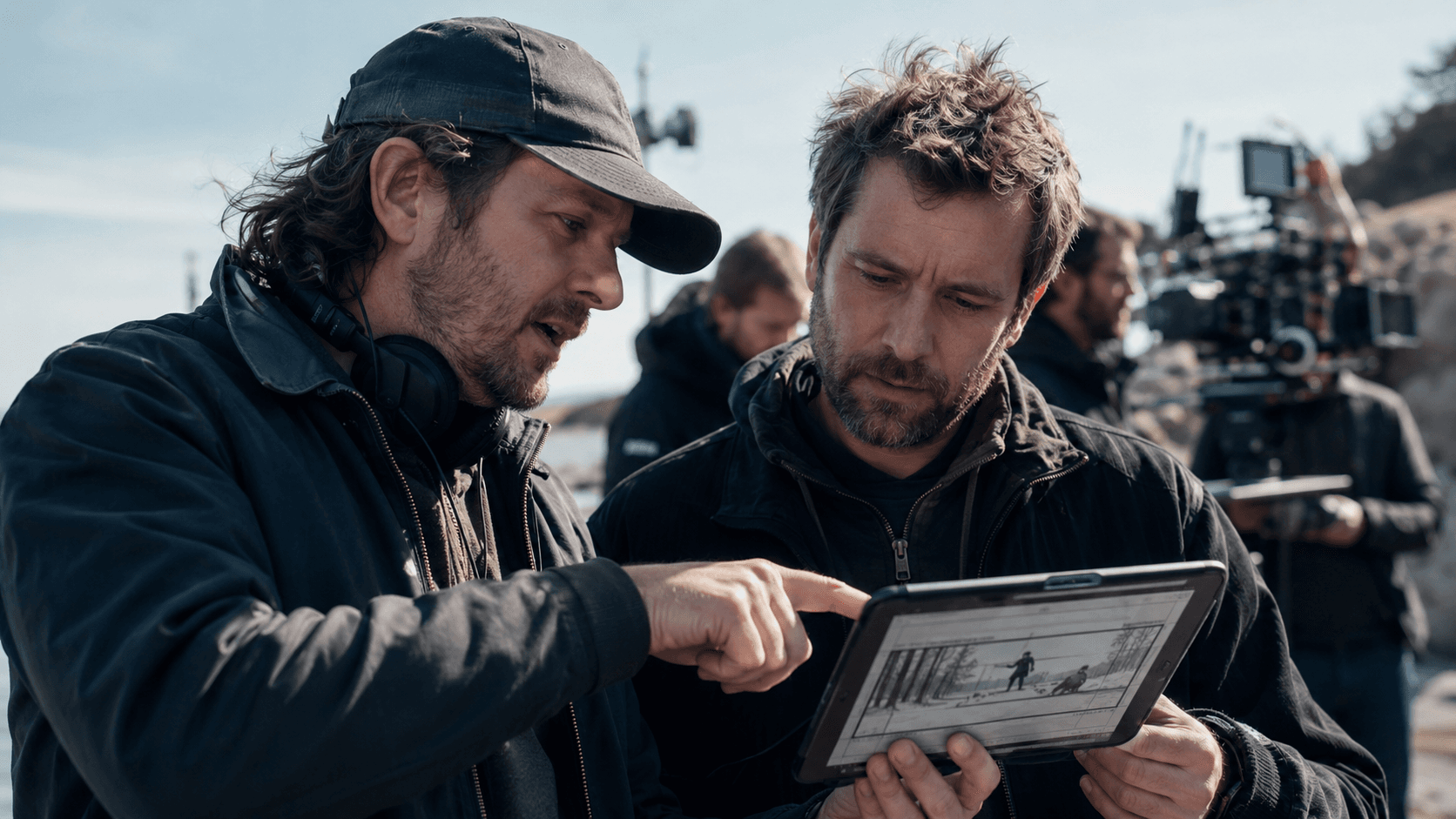
Directors & DPs
Pre-block a scene shot by shot — test angles, lenses, and light before a single setup is called on the day.
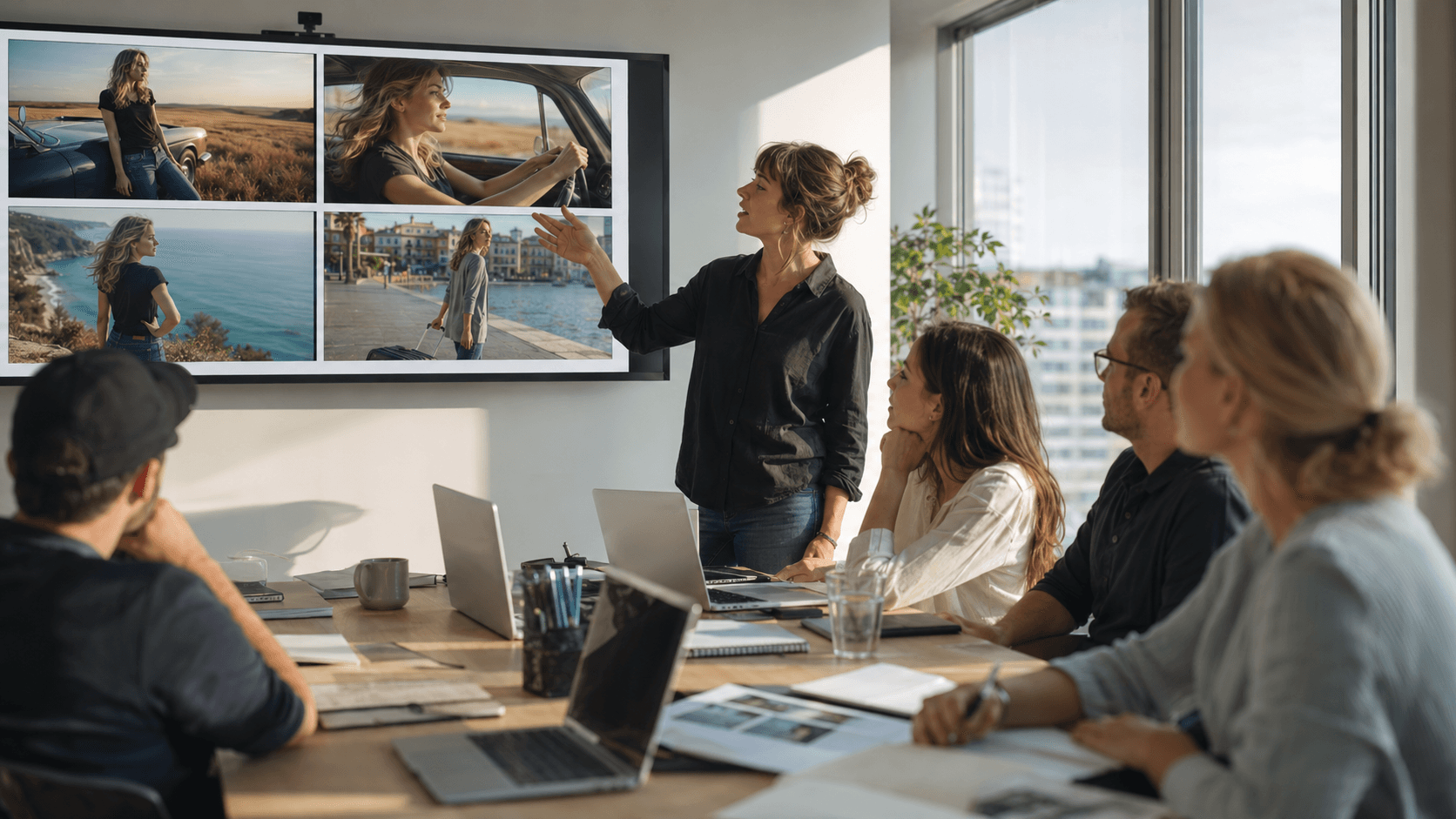
Agencies & Pitches
Walk a client through the spot frame by frame, then re-direct any shot live instead of rebooking the artist.
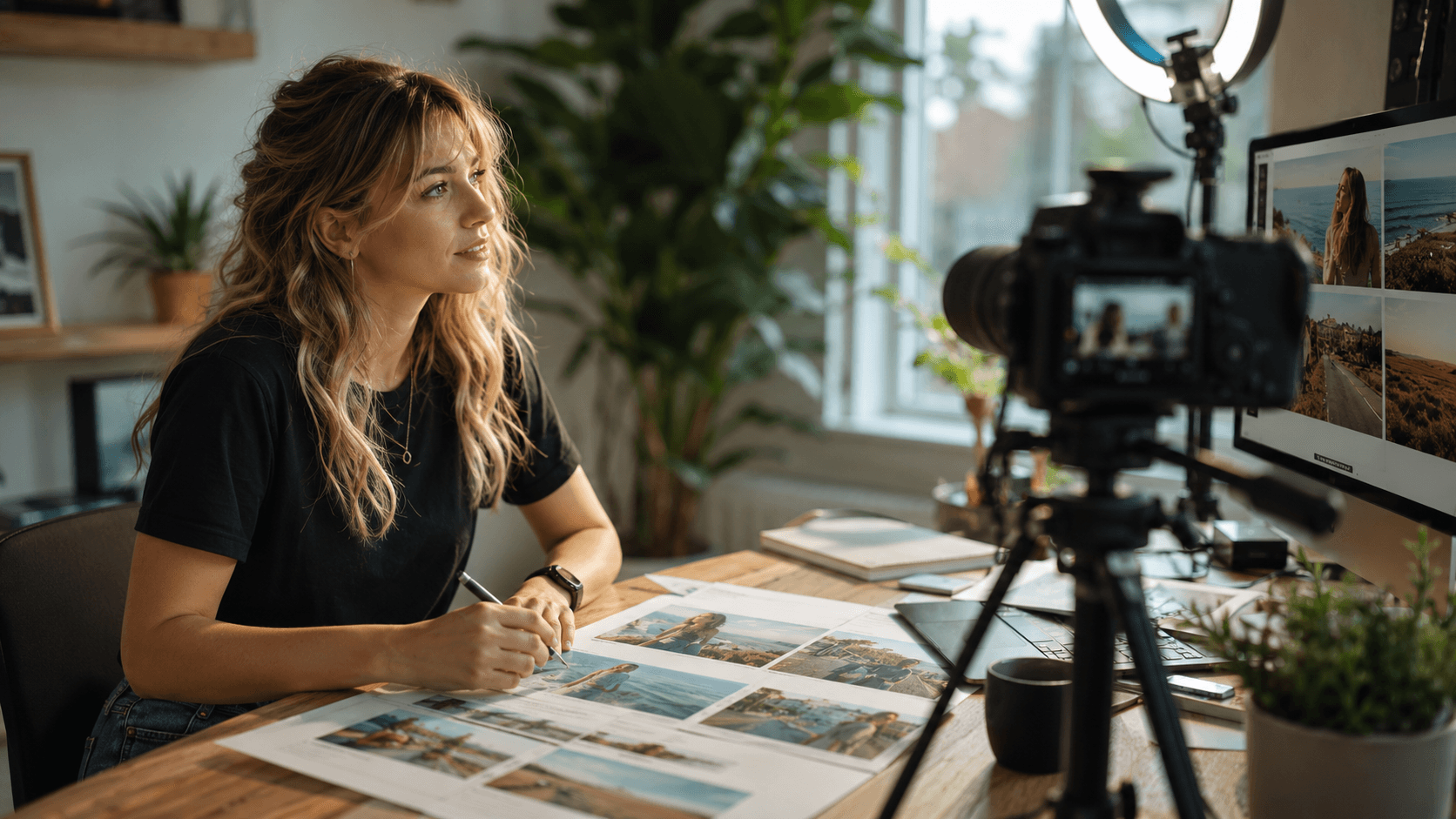
Creators & YouTubers
Plan every cut before you film and keep your on-camera character consistent across the whole episode.
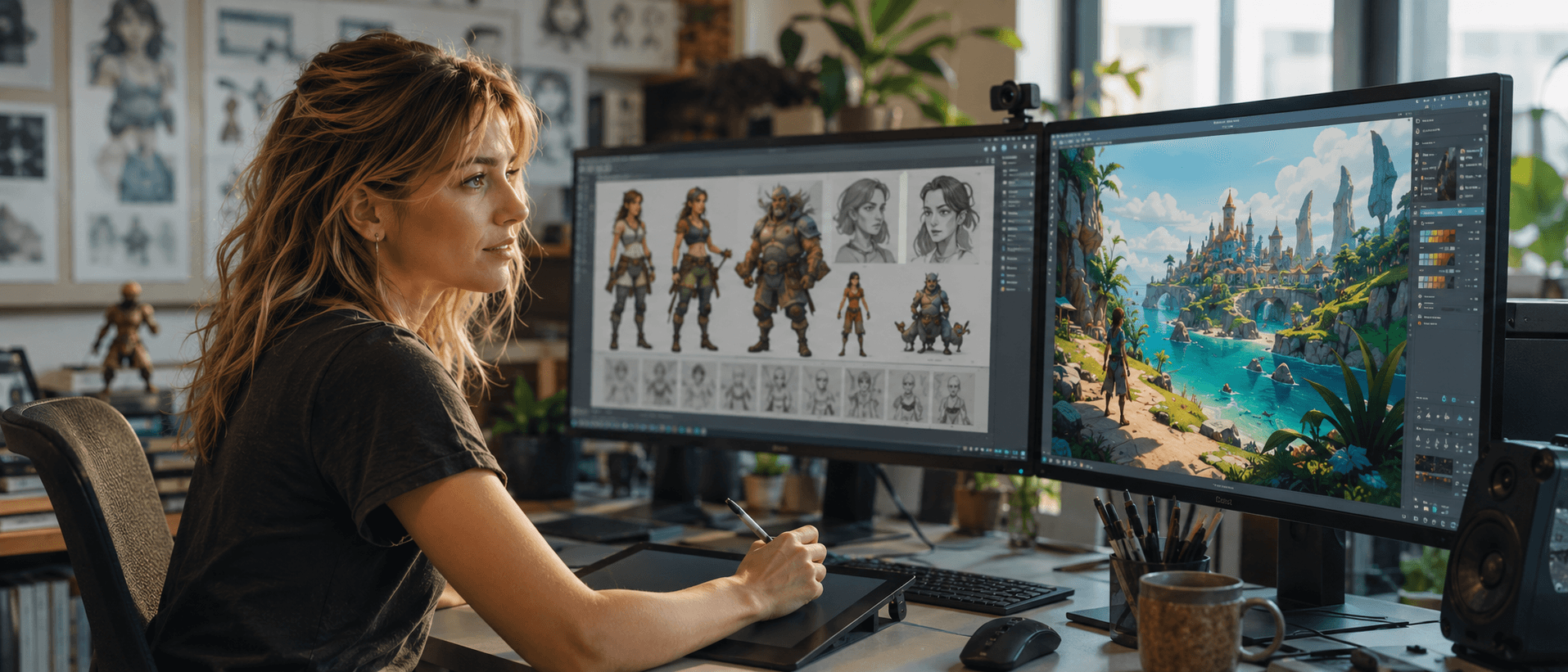
Game & Animation
Lay out cutscenes and sequences with a locked cast and a coherent world across every frame.
Questions, Answered
An image generator gives you one picture from one prompt. This is a board: every frame carries its own camera angle, movement, lens, lighting, and style, and your cast stays locked across all of them — so the frames read as one directed sequence, not six unrelated renders.
The Whole Creative Studio
The board is where you direct. Explore the rest of the GOGUL toolset — every tool feeds the next frame.
Open the Board and Direct
Set the angle, lock the cast, light the scene — and watch a directed sequence come together frame by frame.
Free tier includes 100 credits. No credit card required.