
AI Video Generator — Every Top Model, One Place
Turn text, an image, or a storyboard frame into cinematic motion. Kling, Seedance, Veo, Wan — every top video model unified in one studio, so you pick the right engine for each shot without switching tabs.
One Prompt. Four Engines, Side by Side.
The reason creators stop tab-hopping: feed the exact same idea to every top model and watch how each one moves it. Cinematic, fast, physically accurate, or budget — pick the engine the shot actually needs.
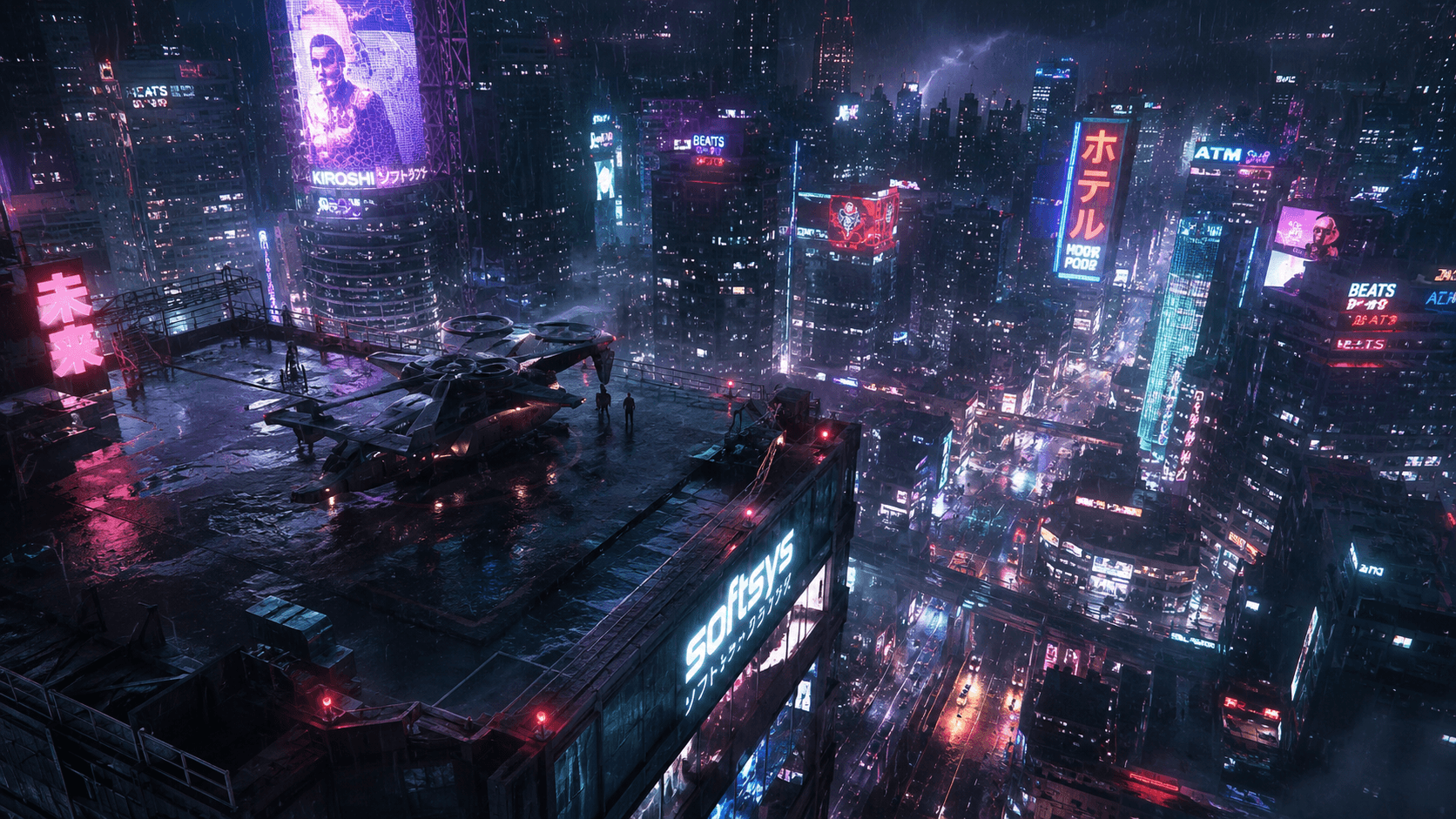 Source
“A lone traveler walks toward a rain-soaked neon skyline at dusk, slow push-in, volumetric light.”
Same prompt, four engines, zero tab-switching. Generate them all in GOGUL and keep the take that lands.
Motion That Actually Ships
Native audio, consistent characters, reference-to-video and first & last frame control — the things video creators actually fight with, solved in one studio.

Cinematic motion with native audio
Kling and Veo deliver multi-shot motion with sound, not silent clips.
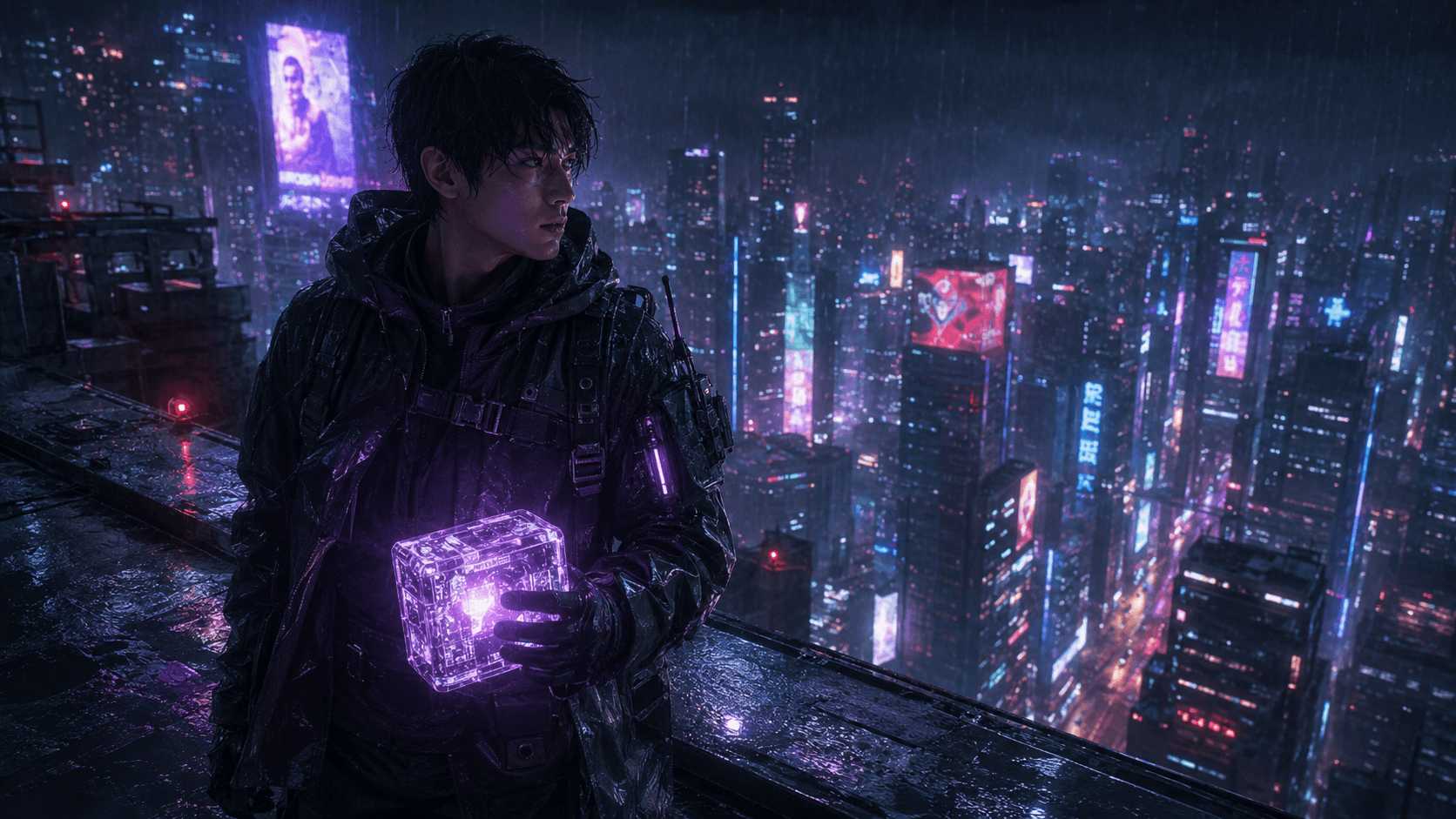
One character, every shot
Bring a Character-Locked frame into img2vid for consistency.
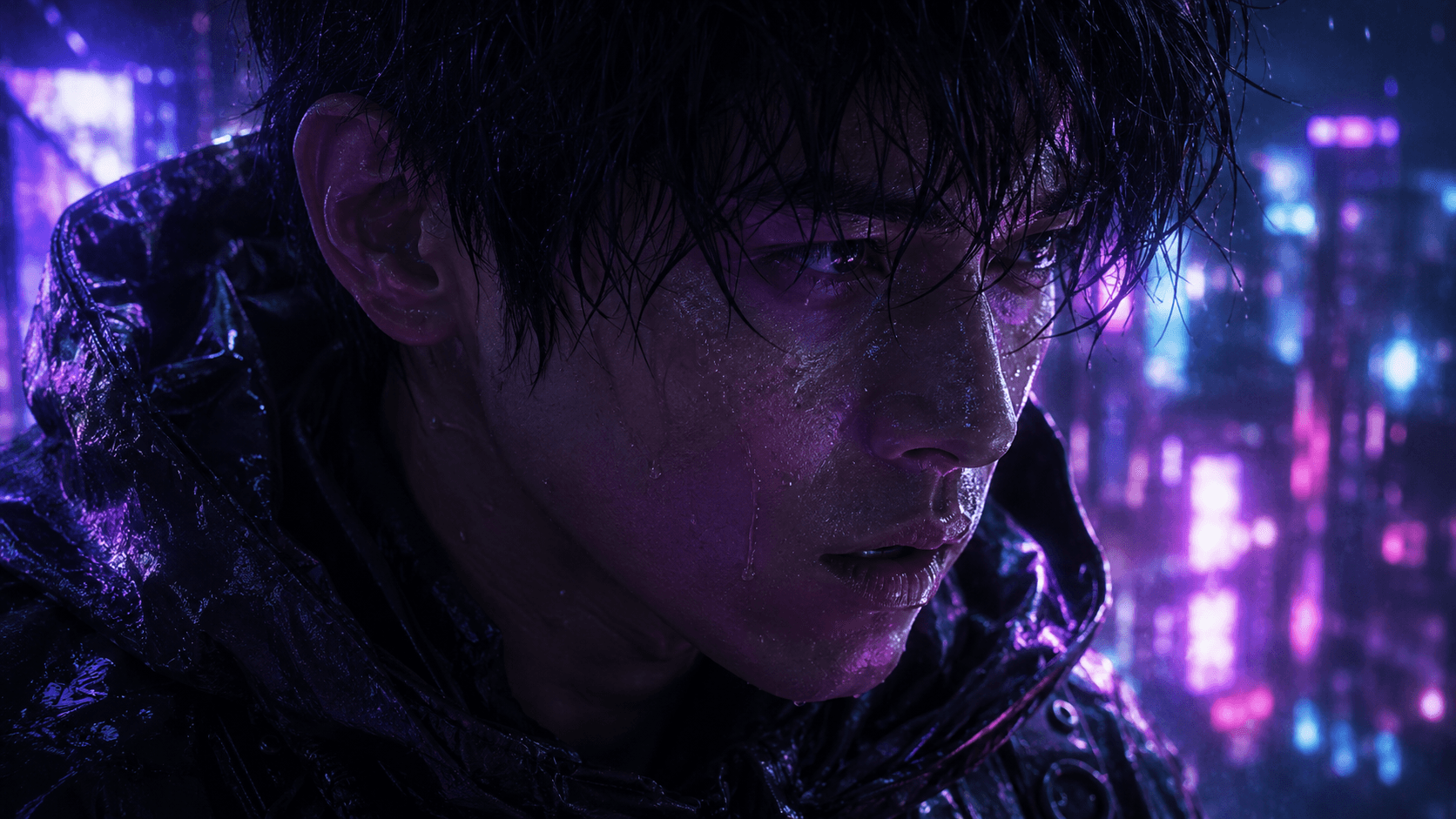
Reference-to-video
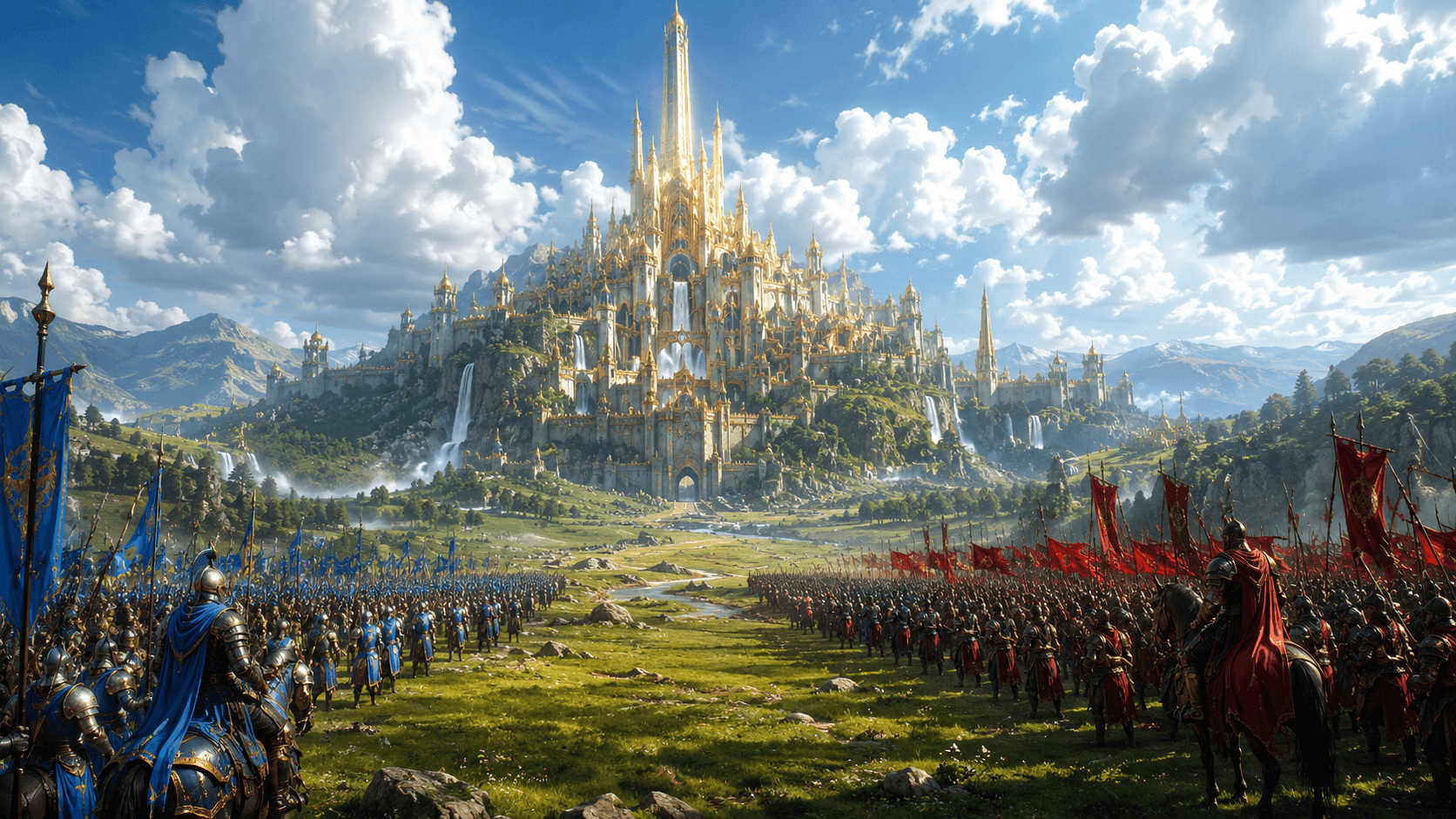
First & last frame control
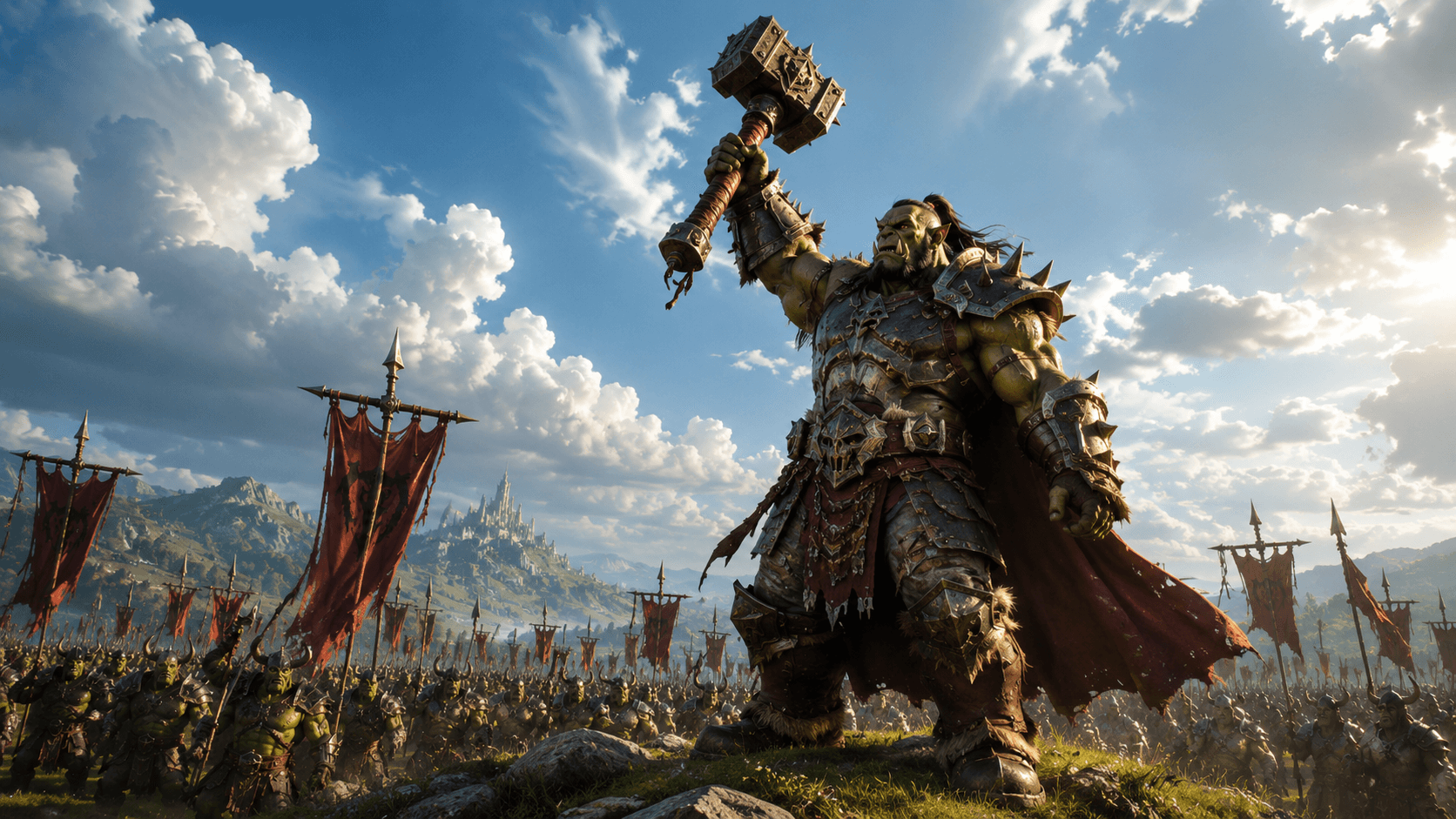
Edit any video
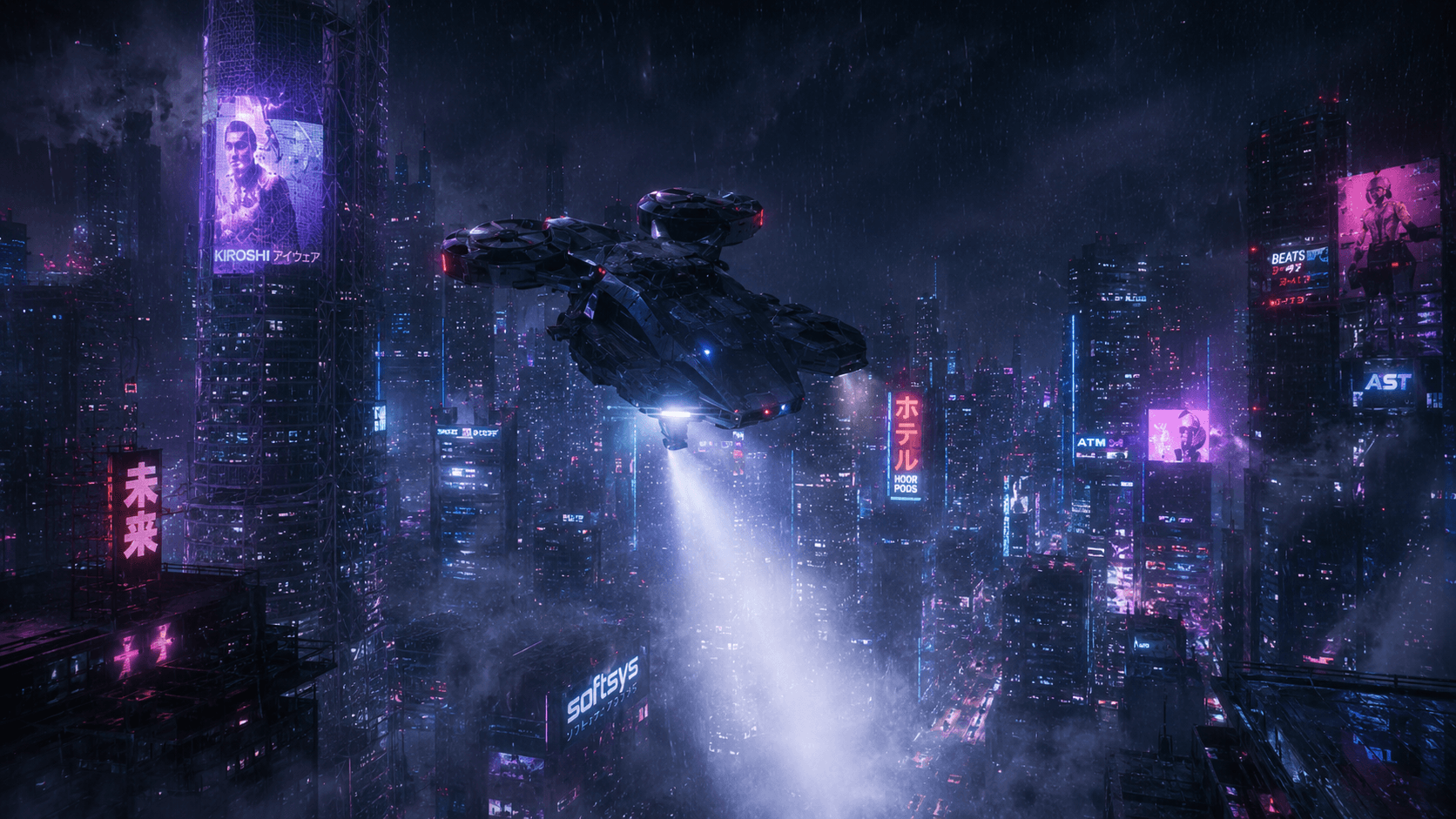
From storyboard to motion
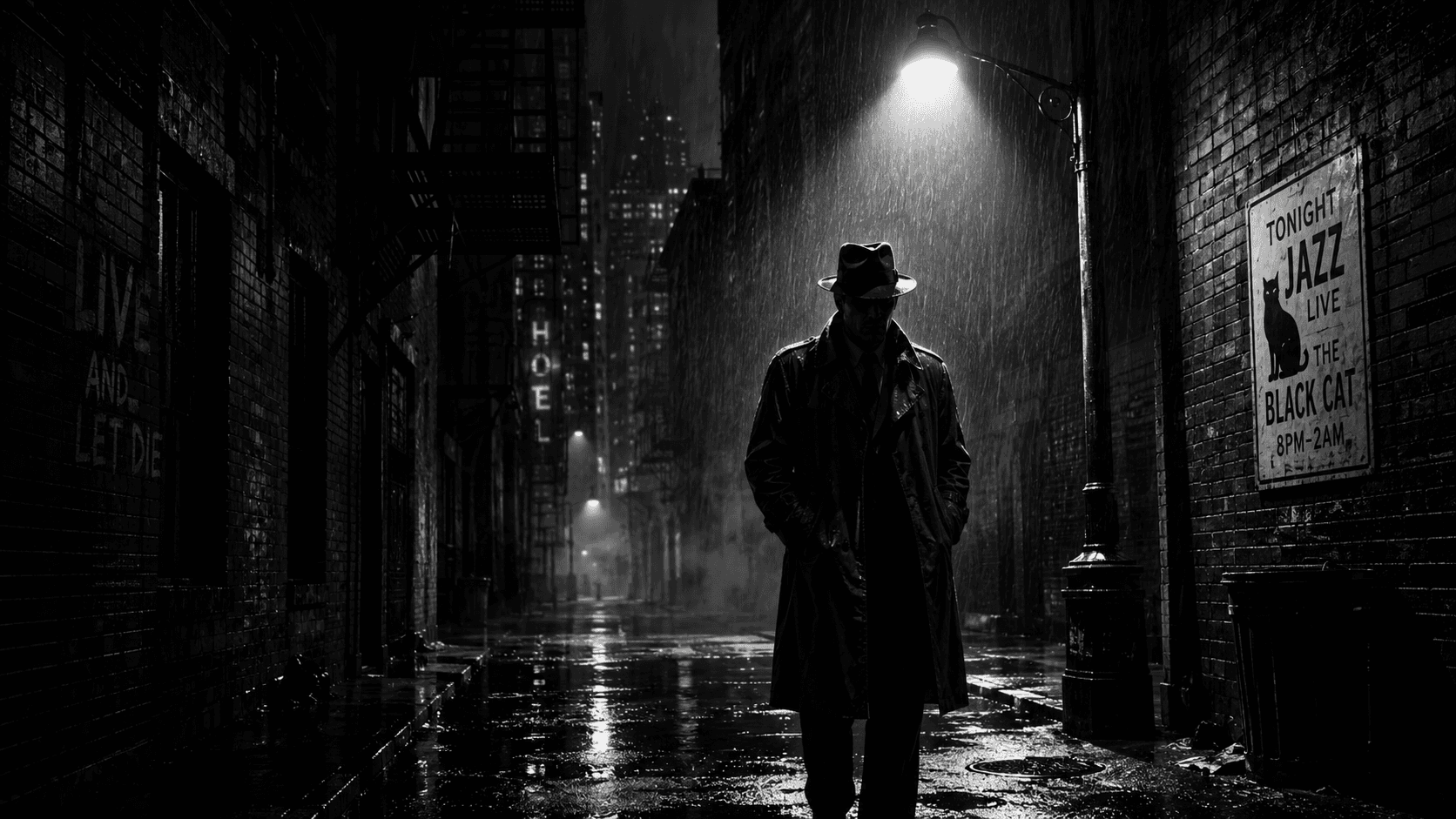
Budget-friendly engines
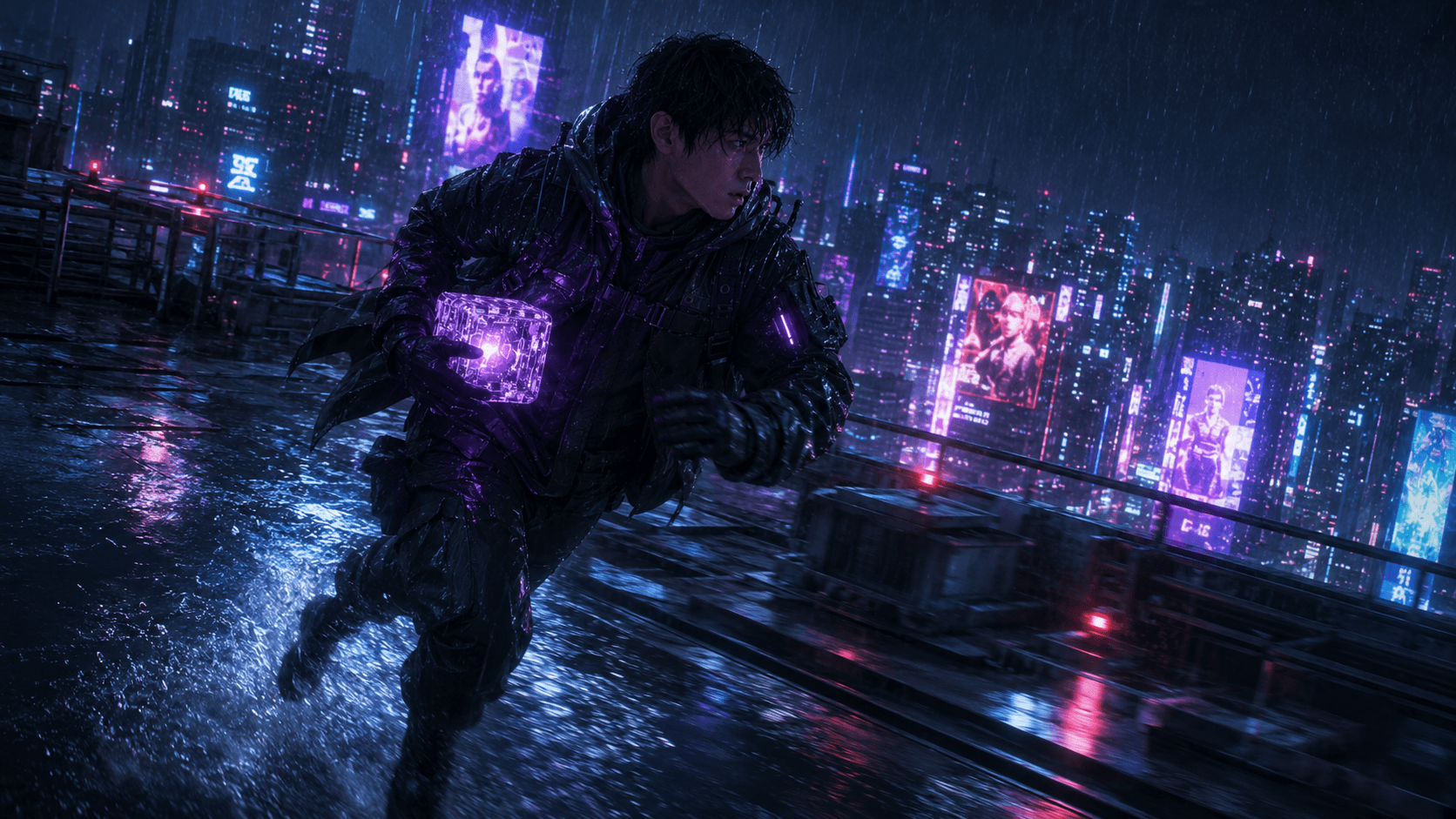
Up to 1080p output
Stop Switching Tabs. Start Moving
One studio, endless motion. A glimpse of what creators ship from a single frame every day.
From Idea to Video
Start from a prompt, an image, or a storyboard frame — pick a model, generate, and export. No film crew required.
Text or Image In
Type a scene, upload a reference image, or pull a frame straight from a GOGUL storyboard. Plain language is enough.
Lock Your Character
Need the same hero in every shot? Generate a Character-Locked frame with GOGUL 3.0 (our Nano Banana 2.1 image model) first, then feed it into img2vid so the character stays consistent through the clip.
Pick a Model & Generate
Choose the video engine that fits the shot — Kling for cinematic, Seedance for speed, Veo for motion, Wan for budget — set duration and resolution, and generate.
Refine & Export
Re-time, restyle, or chain clips, then export in HD. Send it onward or drop it back into your storyboard sequence.
One Studio. Every Top Video Model.
The best third-party video engines, unified in one place. Pick the right model for quality, speed, references, or budget — no tab-switching.
Kling 3.0 Pro
FlagshipCinematic flagship
Cinematic quality with multi-shot consistency and native audio, plus first & last frame control. The go-to engine when a shot has to look like film — up to 10s, image-to-video and text-to-video.
Plus the best video engines, built in:
Everything You Need to Move
Built for storytellers — take a single frame to a finished shot, with the controls real video work demands.
First & Last Frame Reference
Pin a starting and ending frame and let the model interpolate the motion between them — precise control over how a shot begins and lands.
Edit Any Video
Restyle, extend, or re-time clips you've already generated. Iterate on motion without starting from a blank prompt every time.
Motion Control
Direct camera moves, pacing, and subject motion — push-in, orbit, pan — instead of accepting whatever the model decides.
Top Models in One Place
Kling, Seedance, Veo and Wan unified in a single studio. Pick the right engine for quality, speed, or budget — no tab-switching.
AI Video for Every Team
From pre-visualization to the final social cut — GOGUL video fits where you already work.
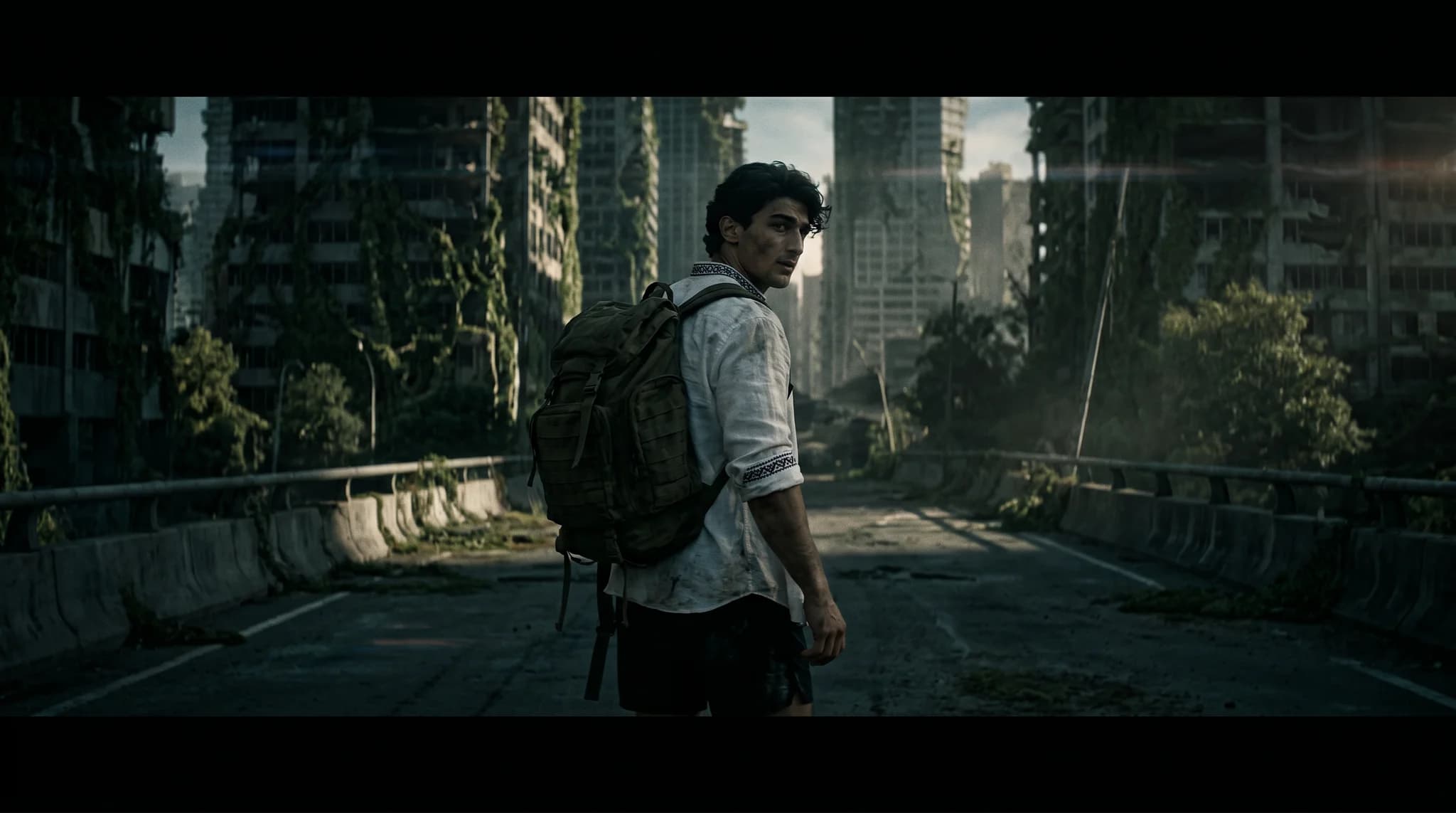
Filmmakers & Directors
Pre-visualize scenes in motion before production — test camera moves, pacing, and transitions from your storyboard frames.
Marketing Agencies
Produce video ads and product demos without a crew or studio — on-brand motion at the pace campaigns demand.
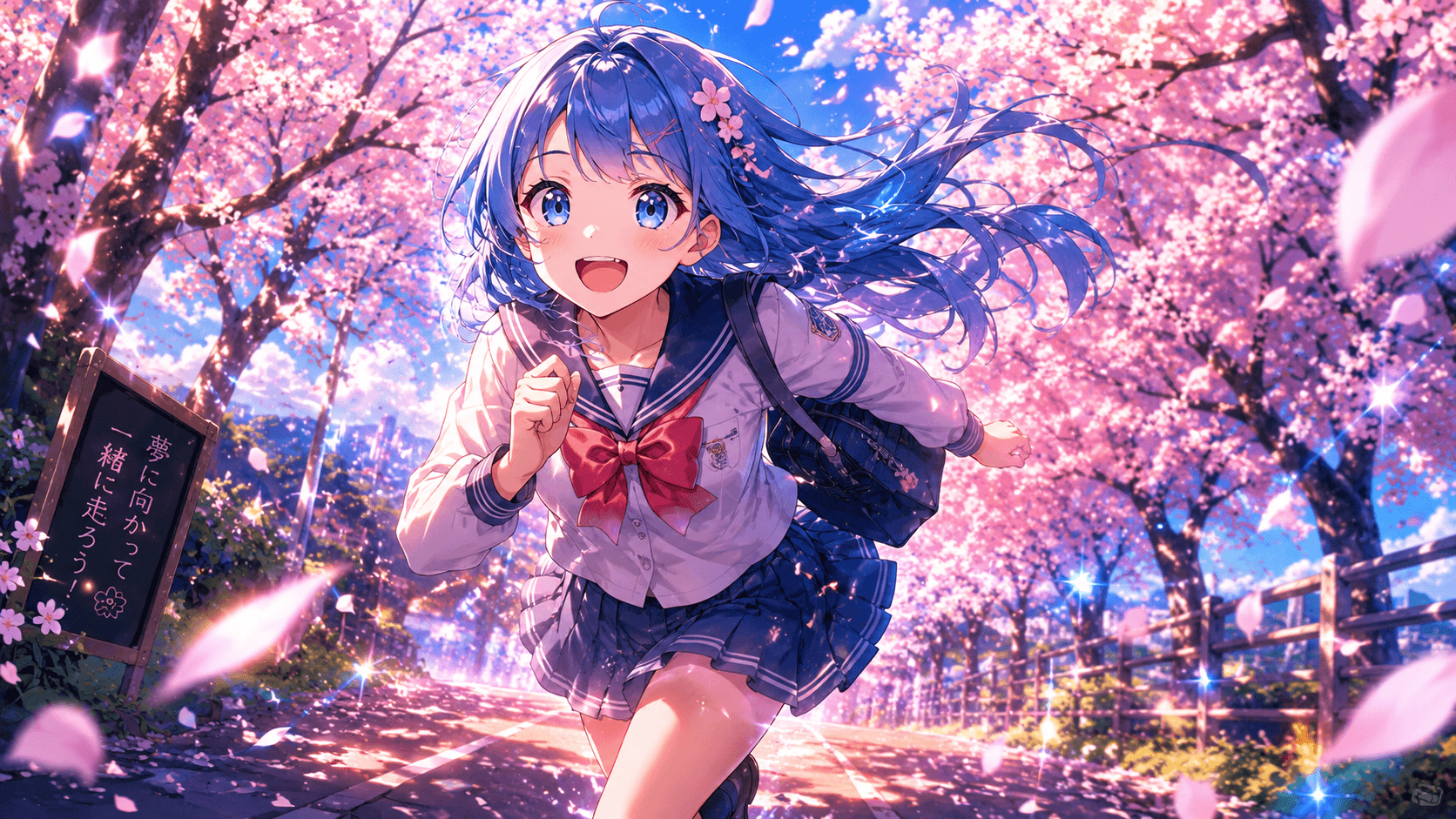
Content Creators
Turn ideas into scroll-stopping clips for TikTok, Reels, and Shorts in minutes — no stock footage, no editing suite.
Questions, Answered
An AI video generator turns text, an image, or a reference into an original moving clip. GOGUL unifies the best video engines in one studio and connects them to your storyboards, so a single frame can become a finished shot.
The Whole Creative Studio
Video is one piece. Explore the rest of the GOGUL toolset — every tool feeds the next.
Start Creating AI Video Now
Join creators turning a single frame into finished, cinematic motion — every top model in one studio.
Free tier includes 100 credits. No credit card required.